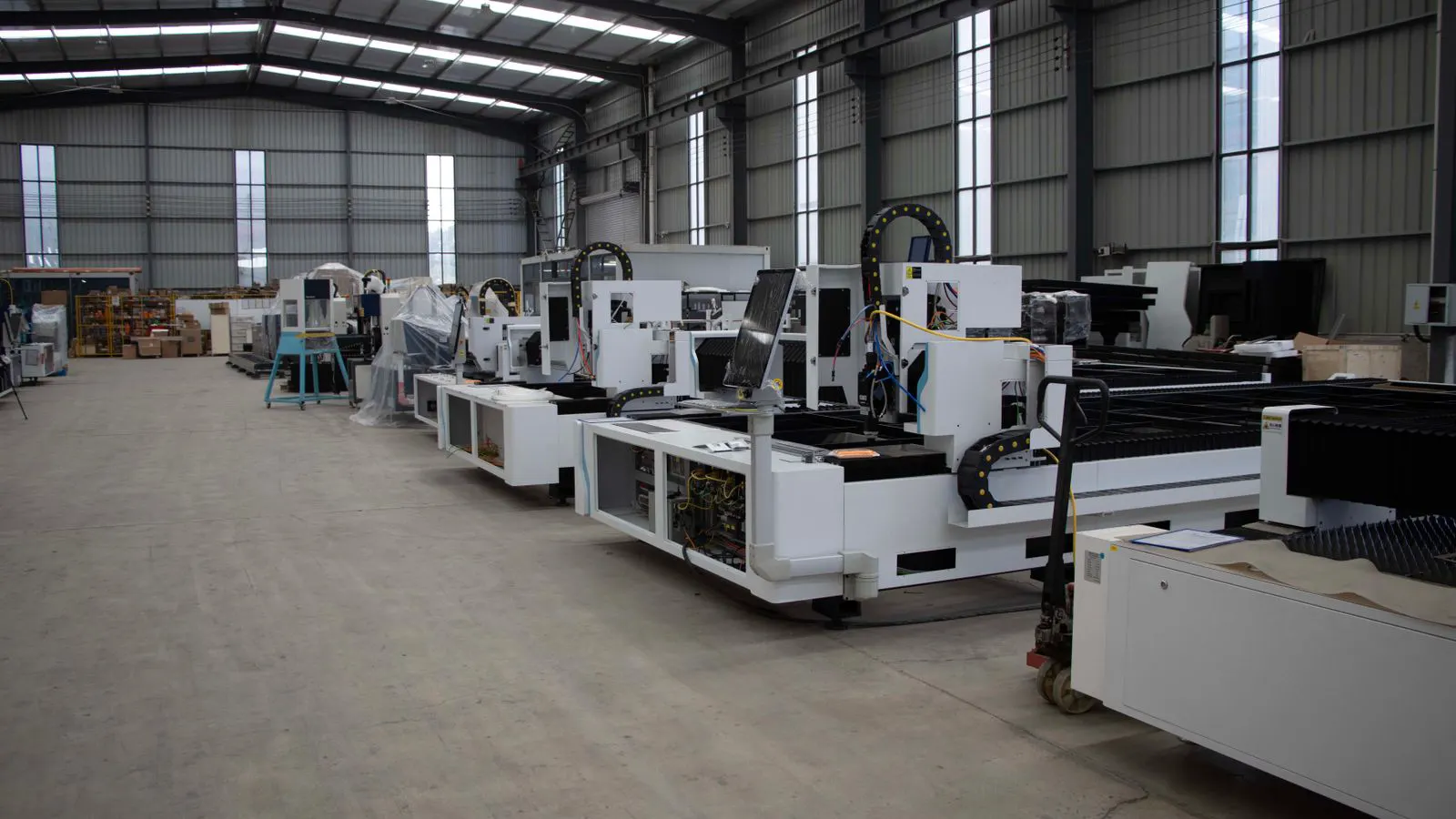
Buying Guide: Evaluating Press Throughput and Capacity

Evaluate a press by comparing its rated speed, job size, and duty cycle against your actual production volume. Check the manufacturer's machine specifications against your peak run times and material constraints to avoid overpaying for unused capacity or underbuying for your workflow.
- Match press speed to your peak job duration, not just average daily output, to handle rush orders and make-ready time.
- Verify that the press's physical job size and maximum roll width align with your largest recurring materials.
- Review duty cycle and make-ready metrics in the machine specifications to understand realistic hourly throughput.
- Confirm that the rated capacity includes the press's actual maximum feed and delivery speeds, not just the main section speed.
- Use a capacity calculation based on your largest expected job to validate the supplier's claim against your production target.
Buying a press requires more than comparing sticker prices. Two machines with the same model number may differ in configuration, and two different models may appear similar on a spec sheet but perform very differently in a busy shop. The core task is to evaluate whether the machine specifications match the volume you will actually run. This guide walks through how to check speed, capacity, and job size limits before committing to a supplier.
What speed actually means in a press
A press datasheet lists a maximum speed in meters per minute or sheets per hour. That number is usually a theoretical peak. It assumes perfect conditions: no paper jams, no make-ready changes, and a flat, stable web. In a production environment, the average running speed will be lower.
When reviewing machine specifications, look for the rated production speed, not just the maximum. The rated speed is the sustainable pace the manufacturer expects under normal operating conditions. If a sheet-fed press lists a maximum of 20,000 sheets per hour, the rated speed might be closer to 15,000 or 16,000. The difference matters when you are calculating cost per page.
Web offset presses operate differently. Speed is measured in meters per minute, and the actual throughput depends on the press width and the number of printing units. A wider press covers more area per pass, but the maximum web speed may be limited by the registration system and the drying process.
Check the make-ready time alongside the speed. A faster machine that takes longer to register and plate change may not be faster overall for short runs. For short jobs, the time spent setting up the press can exceed the time spent running at speed.
How to calculate your required capacity
Capacity is the amount of work a press can complete in a given period. To determine if a machine fits your business, calculate the total pages or meters you need to produce per hour, per shift, and per day.
Start with your largest recurring job. Take the number of pages, the number of copies, and the number of shifts you need to run. Divide the total by the number of hours available. This gives you the minimum pages per hour you need.
For example, if you must print 5,000 copies of a 40-page booklet in one 16-hour shift, the total pages are 200,000. Divide 200,000 by 16 hours, and you need 12,500 pages per hour. Add a buffer for make-ready, jams, and maintenance. A 15,000 to 18,000 pages per hour target is a safer planning figure.
Do not plan around your average job. Plan around your peak job. If you occasionally run a large edition, the press must handle that peak without stopping. A press that is sized for your average run will bottleneck when the large job arrives.
Job size and material constraints
Speed is not the only limit. The press must physically accept your materials. Check the maximum sheet size, the maximum web width, and the minimum paper weight or thickness.
For sheet-fed presses, the largest sheet size determines the largest job you can run without folding or cutting. If your standard material is a large tabloid size, a press limited to a smaller size will require pre-cutting or a different workflow. This adds cost and time.
For web offset presses, the web width is a hard limit. The press must be wide enough to handle the full width of your material in one pass. If your material is wider than the press, you must split the job across multiple passes or use a different machine. This splits registration and can cause color banding.
Paper thickness and coating also matter. Some presses have a maximum paper weight for the feeder or the delivery stack. If your material is heavier than the rated limit, the machine may jam or the paper may not feed evenly. Always check the machine specifications for the paper type and weight range.
Duty cycle and continuous operation
A press that runs for 20 hours a day is a different purchase than a press that runs for 8 hours a day. The duty cycle indicates how long a machine can operate before it needs a maintenance stop.
Check the manufacturer’s recommended duty cycle. Some presses are designed for light, intermittent use. Others are built for continuous, heavy production. If your shop runs three shifts, you need a machine that is rated for that level of use.
Look at the wear parts. The rollers, bearings, and drive systems are the first things to fail under heavy use. A supplier should be able to tell you the service interval for these components. If the service interval is short, your downtime will be frequent.
Also consider the environmental conditions. Presses in hot or dusty environments may need more frequent cleaning and maintenance. This affects the effective throughput. A press that runs at 90% of speed in a hot shop may be slower than a press running in a controlled environment.
Supplier support and spare parts access
A press is only as good as the support behind it. When evaluating a supplier, ask about the availability of spare parts and the response time for service calls.
Check the lead time for common wear parts. If a roller or a drive belt is not in stock, the press stops until the part arrives. A supplier with a local stock of parts can keep your press running. A supplier that relies on a distant warehouse may leave you idle for days.
Ask about the service team. Do they have technicians on site, or do they travel from a central base? How long does it take to dispatch a technician? A fast response time reduces downtime.
Review the warranty terms. A long warranty is good, but it is only useful if the supplier honors it. Check the warranty for exclusions. Some warranties do not cover wear parts or damage from improper use.
How to verify the numbers on the spec sheet
Do not take the printed spec sheet at face value. Ask the supplier to provide the technical data sheet for the exact configuration you are buying. The base model and the configured model may differ.
Check the speed rating for the specific paper type you will use. A press may run faster on thin paper than on heavy paper. The speed rating on the datasheet may be based on a standard paper weight. If you use a heavier or lighter stock, the speed may change.
Request a sample run or a demonstration. If the supplier allows it, run a test job on the press. Measure the actual speed and the make-ready time. Compare the results to the specifications.
Ask for references from other buyers. Talk to customers who use the same model in a similar application. They will tell you what the press actually does in the real world. They will share the problems they ran into and the support they received.
Capacity planning table
Use this table to compare your production needs against the machine specifications of the presses you are considering.
| Criterion | What to look for | Why it matters |
|---|---|---|
| Rated speed | Sustained pages per hour or meters per minute | Determines how fast you can run a job |
| Make-ready time | Setup time for a new job | Affects total job duration for short runs |
| Job size | Maximum sheet or web dimensions | Limits the largest material you can print |
| Duty cycle | Recommended operating hours per day | Indicates if the press can handle your shifts |
| Paper range | Minimum and maximum weight or thickness | Ensures your materials will feed correctly |
| Spare parts | Local stock and lead time | Reduces downtime when components fail |
Decision checklist
Before signing the purchase agreement, verify the following points.
- The rated speed, not the maximum speed, meets your peak production requirement.
- The press’s job size and material range cover your largest recurring job.
- The duty cycle matches the number of shifts you plan to run.
- The supplier has local service support and a fast spare parts response time.
- You have reviewed the warranty terms and understand what is excluded.
- You have calculated your required capacity using your peak job, not your average.
- You have checked the make-ready time against the speed to ensure the total job time is acceptable.
If any of these points fail, do not proceed. A press that is slightly too small will cost more in the long run. You will spend more time on make-ready, run fewer hours per day, and miss deadlines. A press that is too large will tie up capital and sit idle. The goal is to buy the press that fits your production exactly.
Frequently asked questions
What is the difference between maximum speed and rated speed?
Maximum speed is the highest speed a press can reach under ideal conditions. Rated speed is the sustainable pace the manufacturer expects during normal production. Rated speed is the number you should use for capacity planning.
How do I know if a press can handle my paper?
Check the machine specifications for the paper weight and thickness range. If your material is outside that range, the press may jam or feed unevenly. Always confirm the limits with the supplier before purchase.
Why is make-ready time important for capacity?
Make-ready time is the time spent setting up the press for a new job. For short runs, this time can be longer than the running time. A fast press with a long make-ready time may not be faster than a slower press with a quick setup.
Can I buy a smaller press and add more shifts?
Yes, if the press can handle the duty cycle. However, adding shifts increases wear and tear. You must ensure the press is rated for that level of use and that you have the labor and maintenance to support it.
What should I do if the spec sheet is unclear?
Ask the supplier for the technical data sheet for the exact configuration you are buying. If the numbers are still unclear, request a demonstration or a sample run to verify the performance.