Fixing Slow Registration Drift on Imported Web Offset Presses
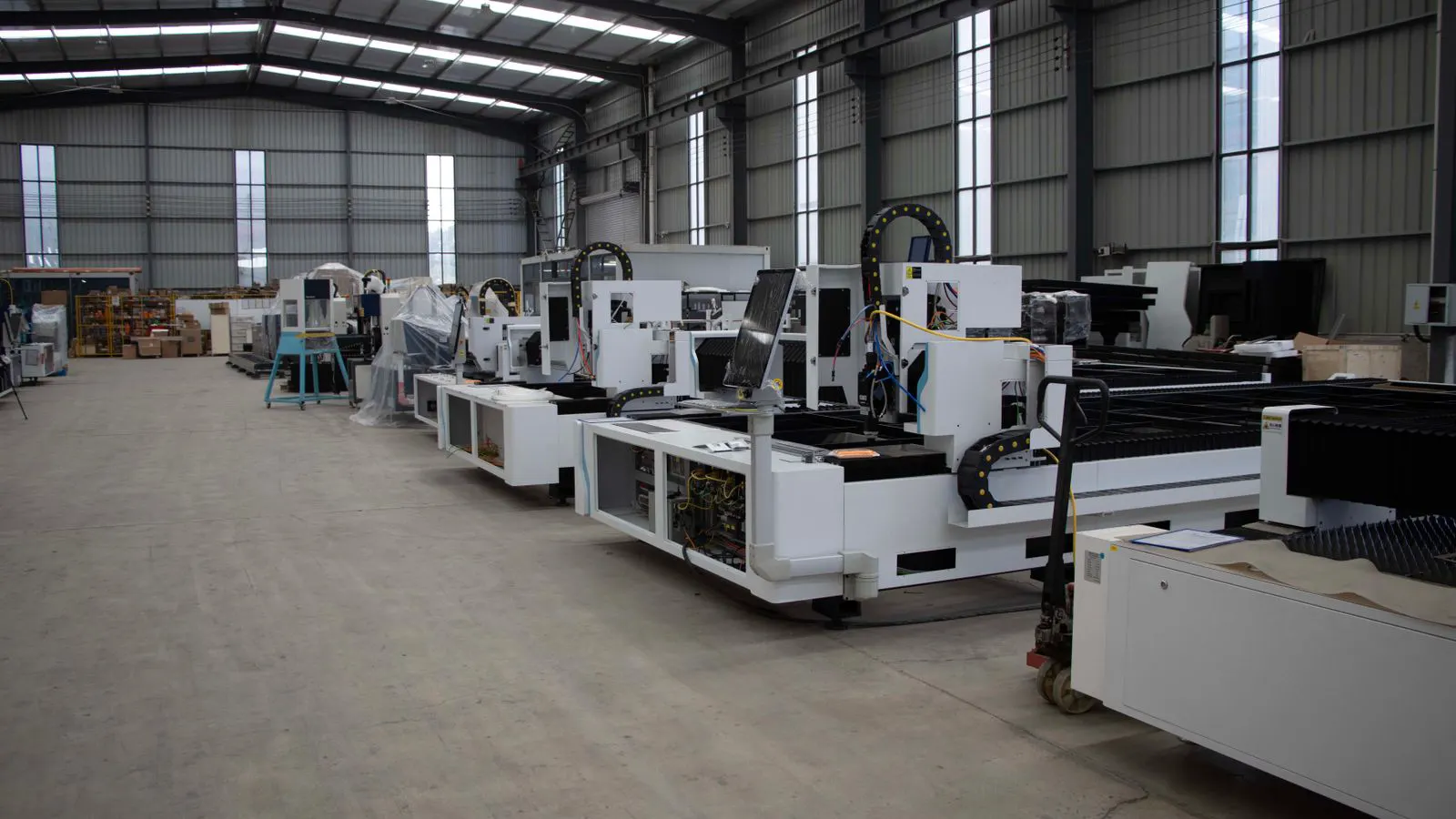
Registration drift on imported web offset presses usually stems from tension instability, misaligned guides, or worn mechanical components. This guide outlines common symptoms, likely causes, and fixes to help operators restore consistent alignment and reduce paper waste.
- Check web tension stability before adjusting mechanical registration components.
- Verify that paper guides and platen edges are not worn or misaligned.
- Calibrate automatic registration sensors and check for mechanical backlash.
- Use registration marks to identify if drift is consistent or variable.
- Maintain a log of tension, speed, and registration readings to track patterns.
Registration drift is one of the most common and frustrating issues on imported high-speed web offset presses. The problem often appears after a change in paper type, a speed increase, or a period of heavy production. When registration marks shift by even a few tenths of a millimeter, it creates misaligned color layers, reduced print quality, and higher paper waste.
This guide focuses on the specific challenges operators face when dealing with imported web offset machines. Many of these presses come from different regions with varying mechanical tolerances, software configurations, and component sourcing. Understanding how registration drift behaves on these systems is the first step toward correcting it.
Understanding the Root Causes of Registration Drift
Registration drift on web offset presses is rarely caused by a single factor. It is usually a combination of mechanical, operational, and environmental variables. Before adjusting any single component, it helps to understand how the press moves paper from the unwind section through the printing units to the delivery.
The paper web passes through multiple guides, rollers, and tension zones. Each of these components must maintain consistent pressure and alignment. If one section allows the web to shift slightly, that shift propagates to the next section. The result is a cumulative drift that becomes visible in the final print.
Imported presses may have different default settings for tension control and registration sensors. Operators who are not familiar with the manufacturer’s specific calibration procedures can easily introduce errors. Always refer to the machine’s manual and the supplier’s technical support documentation before making significant mechanical adjustments.
Common Symptoms of Registration Drift
Recognizing the specific type of drift helps narrow down the likely cause. Not all registration issues behave the same way. The pattern of the error often points to the problem area.
| Symptom | Likely cause | What to do |
|---|---|---|
| Consistent horizontal shift on all colors | Misaligned platen or guide bar | Check platen parallelism and adjust guide bar position |
| Drift that increases with speed | Tension instability or web lag | Verify tension control settings and check for worn rollers |
| Vertical drift on specific colors | Misaligned registration sensor or sensor window | Clean sensor window and recalibrate registration sensor |
| Drift after paper change | Paper type change affecting tension | Adjust tension settings and verify paper web path |
| Intermittent drift at high speed | Mechanical backlash or loose components | Inspect for loose bolts and check for mechanical wear |
| Drift on first few sheets only | Warm-up period or tension stabilization | Allow press to stabilize and verify tension control |
Checking Web Tension and Speed
Web tension is the primary driver of registration stability. If the tension fluctuates, the paper web will shift between the printing units. Imported presses often have sophisticated tension control systems, but these systems require regular maintenance and correct setup.
Start by checking the tension readings at each section of the press. Compare the readings against the manufacturer’s recommended range for the specific paper type and speed. If the tension is out of range, adjust the tension control settings. If the tension is within range but still unstable, look for mechanical issues such as worn rollers, dirty tension sensors, or loose connections.
Speed is also a critical factor. Many imported presses are designed to operate at high speeds, but the mechanical components may not be able to maintain consistent alignment at those speeds. If registration drift appears only at high speeds, reduce the speed and test the press. If the drift disappears at lower speeds, the issue is likely related to mechanical tolerance or tension control at high velocity.
Inspecting Mechanical Alignment Components
If tension and speed are not the cause, the next step is to inspect the mechanical alignment components. These include the paper guides, platen edges, registration sensors, and the rollers that control the paper path.
Paper guides must be clean and free of paper dust. Dust and ink residue can change the friction between the paper and the guide, causing the web to shift. Worn guides can also allow the paper to move slightly, leading to drift. Check each guide for wear and replace any that are damaged or out of specification.
The platen edges must be parallel and aligned with the registration marks. If the platen is not aligned, the paper will be shifted consistently on each pass. Use the manufacturer’s alignment tools and procedures to check and adjust the platen. Do not make adjustments without referring to the machine’s manual, as incorrect platen alignment can cause more serious mechanical damage.
Calibrating Automatic Registration Sensors
Most imported web offset presses use automatic registration sensors to detect and correct registration drift in real time. These sensors use optical or electrical methods to measure the position of registration marks on the paper. If the sensors are dirty, misaligned, or miscalibrated, they will provide incorrect feedback to the press control system.
Clean the sensor windows with a lint-free cloth and a suitable cleaning solution. Avoid using abrasive materials that can scratch the sensor lens. After cleaning, recalibrate the sensors according to the manufacturer’s instructions. This usually involves running a test pattern and adjusting the sensor output until it matches the actual registration position.
Check that the registration marks on the paper are visible and consistent. If the marks are too faint, too small, or placed in an area with high ink coverage, the sensor may not be able to detect them accurately. Use high-contrast registration marks for calibration and testing.
Environmental and Operational Factors
Environmental conditions can also affect registration stability. Temperature and humidity changes can cause the paper to expand or contract, altering the tension and alignment. Imported presses may have been designed for different environmental conditions than the location where they are now operating.
Monitor the temperature and humidity in the press room. Keep them within the manufacturer’s recommended range. If the environment is too hot or too humid, the paper may behave unpredictably. Use conditioned air to maintain stable conditions.
Operational habits also play a role. Operators should follow a consistent startup and shutdown procedure. Sudden changes in speed, paper type, or tension settings can introduce drift. Train operators to make gradual adjustments and to monitor registration marks during the warm-up period.
Preventing Registration Drift in the Long Term
Preventing registration drift is easier than correcting it. A regular maintenance schedule and consistent operational practices can reduce the frequency of registration issues.
Perform a full mechanical inspection every few months. Check all guides, rollers, platen edges, and registration sensors. Replace worn components before they cause registration problems. Keep a maintenance log and record the date, components inspected, and any adjustments made.
Monitor registration marks during production. Do not wait for a quality issue to appear. Check the registration marks every few hundred meters and record the readings. This will help identify trends and allow you to make adjustments before the drift becomes visible in the final print.
Work with the supplier or service provider to ensure that the press is configured correctly for your specific production requirements. Imported presses may need software or hardware adjustments to match the local operating conditions. A professional service visit can help identify and correct issues that are difficult to diagnose in the field.
When to Call in Professional Support
Some registration issues require professional attention. If the drift is consistent and cannot be corrected with tension adjustments or sensor calibration, the problem may be related to mechanical wear or a deeper alignment issue.
Contact the supplier or an authorized service provider if the press shows signs of mechanical damage, such as worn rollers, bent guide bars, or damaged platen components. Professional technicians have the tools and training to perform detailed alignment checks and component replacements. Do not attempt major mechanical adjustments without proper training and documentation.
Frequently asked questions
Can registration drift be caused by ink viscosity?
Ink viscosity can affect drying and adhesion, but it is not a primary cause of registration drift. Registration drift is usually mechanical or tension-related. If ink is too thick or too thin, it may affect print quality but will not shift the registration marks.
How often should I check registration sensors?
Check registration sensors at every startup and during regular maintenance. Clean the sensor windows before each calibration. If the sensors are not cleaned and calibrated regularly, they may provide incorrect feedback and cause registration errors.
Is registration drift more common on imported presses?
Imported presses are not inherently more prone to registration drift than domestic presses. However, differences in mechanical tolerances, software configurations, and component sourcing can make the issue harder to diagnose. Proper setup and maintenance are critical.
Can changing the paper type cause registration drift?
Yes. Different paper types have different weights, thicknesses, and surface properties. Changing paper can affect tension and web path. Always adjust tension settings and verify the web path when changing paper types.
How much registration drift is acceptable?
Acceptable registration tolerance depends on the print application and industry standards. For most commercial printing, a tolerance of a few tenths of a millimeter is common. Always refer to the specific requirements of the job and the manufacturer's specifications.