Pre-Startup Checklist for New Flexo or Gravure Presses
A new printing press requires a structured audit to verify mechanical tolerances, ink systems, and safety controls. This checklist covers pre-production checks needed to confirm proper installation and calibration. It helps operators identify faults before running production substrate.
- Verify mechanical tolerances and registration before introducing ink or substrate.
- Inspect ink fountains, doctor blades, and plate units for gaps or damage.
- Test safety interlocks and emergency stops with a full operational cycle.
- Confirm the press meets speed and registration targets before scaling production.
- Document all baseline settings to serve as a reference for future maintenance.
Why a Structured Audit Prevents Costly Startups
Running a new press without a formal audit often leads to immediate defects. Ink starvation, misregistration, and mechanical stress appear within the first hours. These problems damage substrate, waste consumables, and can strain drive components. A structured approach to equipment commissioning separates installation errors from process settings. This press startup checklist organizes those checks into logical groups. It covers mechanical, ink, substrate, and safety systems. The goal is to reach stable production with minimal downtime.
Verify Mechanical and Drive Components
Before adding ink, confirm the mechanical state of the press. Check the drive system for smooth operation across the full speed range. Listen for abnormal noise from gears, bearings, or couplings. Inspect the infeed, side guides, and registration units for wear or misalignment. Loose bolts on the plate cylinders or impression cylinders are common after installation. Tighten fasteners to manufacturer specifications. Check the registration marks on the test sheet. Adjust the lateral and longitudinal registration until the target is met. Record the final settings. If the press uses a gravure plate, verify the plate cylinder is seated correctly. Check for gaps between the plate and the cylinder. A poorly seated plate causes dot gain and ink transfer issues. For flexo presses, inspect the flexo plate units and blanket cylinders. Ensure the blanket is free of wrinkles or trapped air. Confirm the pressure is even across the full width. Uneven pressure creates streaks or ghosting in the first runs.
Inspect Ink Systems and Fountain Units
The ink system is critical for image quality. Check the ink fountains for proper sealing. Look for leaks at the pump connections and the doctor blade holders. Inspect the doctor blades for damage or improper seating. A bent blade causes streaks or uneven ink film. Verify the ink ducts are free of blockages. Run a small amount of water or solvent through the system to clear debris. Check the ink return lines for kinks. Inspect the ink circulation filters. Clogged filters reduce ink flow and cause starvation. For gravure presses, examine the plate etch area. Look for scratches or debris on the plate. Verify the ink fountain angle. An incorrect angle leads to ink spillage or starvation. For flexo presses, check the flexo ink fountain. Ensure the ink film is even. Look for air bubbles in the ink. Bubbles cause pinholes in the print. Verify the ink viscosity. It should match the specifications for the substrate and the press. Adjust the ink temperature if needed. Confirm the ink supply tank has enough capacity for the initial run. Check the ink cap and drain valves for leaks.
Check Substrate Path and Handling
The substrate path determines how the material moves through the press. Inspect the infeed guide and the side rails. Ensure they are parallel and clean. Debris on the guides causes substrate skew. Check the vacuum roll or suction system. Test the vacuum levels at the infeed and the side rails. Insufficient vacuum leads to substrate lift or curl. Excessive vacuum can damage delicate substrates. Check the side rails for burrs or damage. These can scratch the substrate. Verify the substrate is the correct width for the press. A too-wide substrate causes jams. A too-narrow substrate leaves gaps that allow air in. Check the registration system. Ensure the registration marks are visible and not obscured by substrate thickness. For gravure presses, verify the substrate is smooth and flat. Wrinkles cause misregistration. For flexo presses, check the substrate tension. High tension can stretch the material. Low tension causes slack. Adjust the tension controls to match the substrate weight. Confirm the substrate is free of dust or oil. Clean the substrate with a damp cloth if needed. Check the substrate path for sharp edges. These can cause cuts.
Review Safety and Control Systems
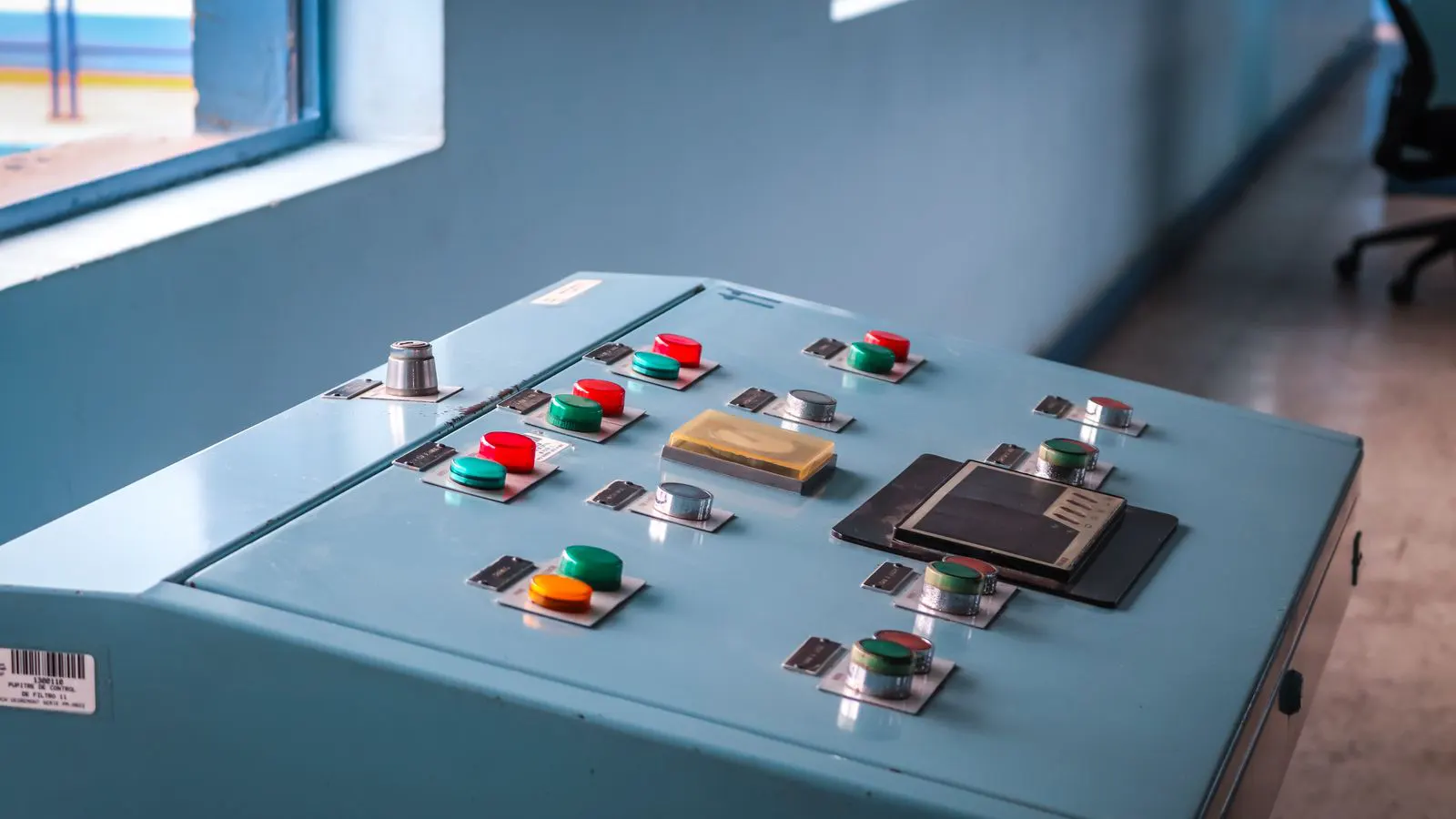
Safety is non-negotiable. Test all emergency stops. Press the button and confirm the press stops immediately. Check the interlock doors and guards. Open a door and verify the press stops or slows. Confirm the safety lights are visible and functional. Inspect the control panel for clear labels and working buttons. Test the speed controls. Ensure the press accelerates and decelerates smoothly. Check the ink and solvent handling. Ensure there are no leaks in the area. Verify the ventilation system is running. This is critical for solvent-based inks. Check the ground and insulation. Ensure the press is properly grounded. Inspect the electrical connections. Look for loose wires or damaged insulation. Test the fire suppression system if equipped. Verify the operator has access to the manual. Confirm the training is complete. A new press should not run without proper training. Check the safety data sheets for all chemicals. Ensure they are accessible. Test the spill kit. Confirm it is stocked and accessible.
Validate Registration and Color Consistency
Once the mechanical and safety checks are complete, run a test sheet. Use a registration target. Run the target at low speed. Check the lateral and longitudinal registration. Adjust the registration until the target is centered. Increase the speed gradually. Monitor the registration at each speed. If the registration shifts, check the drive components. Verify the plate or flexo unit is stable. Check the ink film. Ensure it is even. Look for starved or flooded areas. Adjust the ink fountain or doctor blade. For gravure presses, check the dot gain. Compare the printed dots to the target. High dot gain indicates ink transfer issues. Low dot gain indicates plate or ink film problems. For flexo presses, check the dot gain. Verify the blanket is in good condition. Inspect the flexo plate. Look for scratches or wear. Check the color consistency. Use a color target. Run multiple sheets. Compare the colors. If the color shifts, check the ink temperature and viscosity. Adjust the ink system. Record the final settings. Save the registration and color data. This provides a baseline for future runs.
Documentation and Handover
After the press is calibrated, document the process. Record the mechanical settings. Note the registration adjustments. Save the color and ink settings. Keep a log of the test runs. Note any defects observed. Record the substrate type and weight. Save the ink recipe. This information is valuable for future runs. It helps the operator make quick adjustments. Provide the operator with a copy of this press startup checklist. Use it for future maintenance. Schedule the first follow-up inspection. Check for wear after the initial run. Verify the press continues to perform. Confirm the operator is comfortable with the controls. Address any concerns. Ensure the press is ready for production.
| Check Category | Key Item | Red Flag |
|---|---|---|
| Mechanical | Drive noise | Grinding or clicking sounds at low speed |
| Ink | Doctor blade | Streaks or uneven ink film |
| Substrate | Vacuum level | Substrate lift or curl |
| Safety | Emergency stop | Delayed stop or no stop |
| Registration | Target alignment | Marks shifted laterally or longitudinally |
| Color | Dot gain | Excessive or insufficient dot spread |
Final Verification Before Production
Before starting production, perform a final walkaround. Check for leaks. Inspect the ink and solvent lines. Confirm the substrate path is clear. Test the emergency stops one last time. Verify the control panel is responsive. Check the ventilation. Ensure the area is clean. Confirm the operator is ready. Review the substrate and ink specifications. Load the substrate. Start the press at low speed. Run a short test. Inspect the print. Check registration and color. If the print is acceptable, increase the speed. Monitor the press for stability. Check for noise or vibration. Confirm the press is running smoothly. Begin production. Keep the press startup checklist available. Use it for reference. Record any issues. Adjust as needed.
Numbered Pre-Production Checks
- Verify drive components and gear mesh.
- Inspect plate and flexo units for gaps.
- Check ink fountains and doctor blades.
- Test vacuum and side rails on the substrate path.
- Confirm emergency stops and interlocks.
- Run a registration target at multiple speeds.
- Verify color consistency with a test sheet.
- Document all baseline settings.
Frequently asked questions
What is the most common issue during a new press startup?
Misregistration is the most common issue. It often stems from loose mechanical components or incorrect drive settings.
How do I know if the ink system is ready?
Check for leaks, inspect the doctor blades, and verify the ink film is even. Run a small test to confirm ink flow.
What should I check on the substrate path?
Inspect the side rails, vacuum levels, and tension controls. Ensure the substrate is flat and free of debris.
How often should I test the emergency stops?
Test the emergency stops during the startup checklist. Re-test them regularly as part of routine maintenance.
What is the best way to document the startup process?
Record mechanical settings, registration adjustments, and color data. Save this information for future reference.