Fixing High Ink Cost on Web Offset Presses
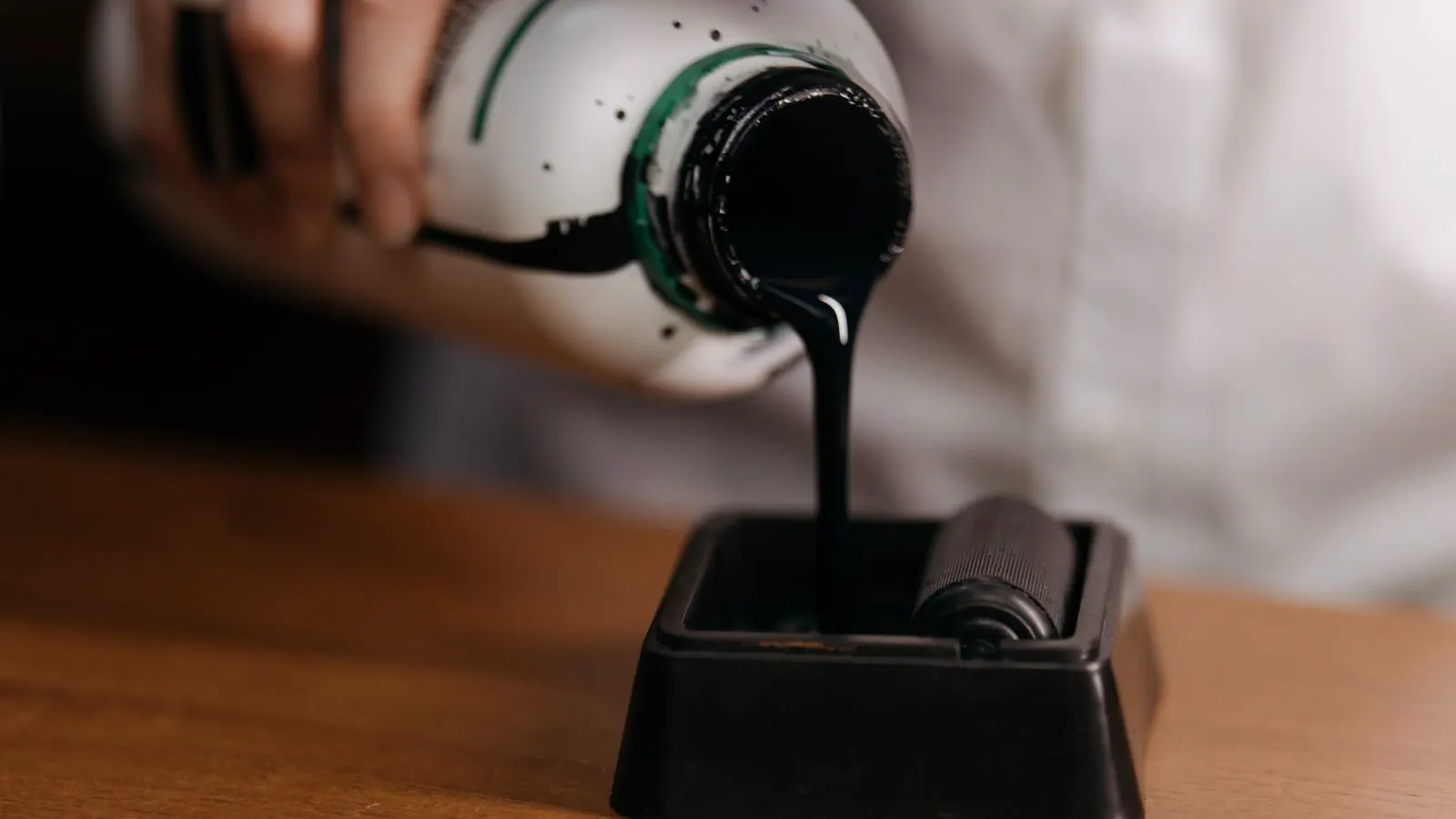
High web offset ink cost usually stems from incorrect ink key settings, worn rollers, or excessive make-ready waste. This guide lists common symptoms, likely causes, and specific fixes to reduce ink waste and lower offset ink consumption on your press.
- High ink usage on a web press often comes from incorrect ink key settings or worn feed rollers.
- Regular inspection of the ink metering system prevents small leaks from becoming major cost drains.
- Tracking ink consumption per job helps identify trends and isolate operational issues early.
- Proper maintenance of rollers and blankets reduces the need for excessive ink to maintain image quality.
- Training operators on make-ready efficiency cuts down on the amount of material and ink wasted during setup.
A sudden rise in ink usage on a web offset press is a direct threat to your bottom line. If your ink consumption is consistently higher than your baseline for a specific job, the problem is rarely in the ink itself. It is usually in the press.
Excessive ink usage does not just mean you buy more ink. It means you waste material, increase waste paper, and potentially damage the press or the printed matter. When ink sits too long in the fountain, it oxidizes and clogs the metering system. When rollers are worn, the ink film breaks up, and operators add more ink to compensate. This guide breaks down the common causes of high web offset ink cost and provides a clear path to fix them.
How to Check Your Ink Consumption Baseline
Before you can fix a problem, you need to know what normal looks like. If you do not have a recorded baseline for your most common jobs, start now. Weigh the ink before and after a standard run. Record the amount consumed per 1,000 impressions.
This baseline is your reference point. It is not a one-time measurement. Ink consumption changes with paper type, ink type, and job complexity. A small run on glossy paper will consume a different amount of ink than a large run on uncoated stock.
Keep a simple log. Note the job number, paper type, ink keys used, and total ink consumed. When a job comes in that uses more ink than your baseline for the same paper type, you have a signal to investigate. Do not wait for the month-end invoice to catch a leak.
Common Symptoms of Excessive Ink Usage
Symptoms of high ink consumption rarely announce themselves with a single error. They show up in patterns. Operators might mention that the press is running “thirsty” or that the ink is not spreading evenly. Maintenance staff might find ink residue in areas where it should not be.
Look for these specific signs during your next press check:
- Ink is pooling in the fountain. This suggests the ink is too thick or the fountain is overfilled. It can also indicate a clogged metering system that is not delivering ink evenly.
- Worn rollers show visible wear. If the ink roller has a flat spot or a shiny band, it is not transferring ink uniformly. The operator will keep adding ink to compensate for the gaps.
- High make-ready waste. If the first 500 or 1,000 impressions are consistently poor, you are wasting a large amount of ink during setup.
- Ink is drying on the rollers. This happens when the press is idle for long periods. The dried ink acts like a abrasive, wearing down the roller surface and requiring more ink to maintain a smooth film.
- Excessive ink on the web. If the paper is too wet, it can cause slippage. Operators often add more ink to try to fix the slippage, which makes the problem worse.
Troubleshooting High Ink Cost on Web Offset Presses
The table below lists the most common symptoms, the likely causes, and the specific actions to take. Use this as a quick reference during your next press check.
| Symptom | Likely cause | What to do |
|---|---|---|
| Ink pooling in fountain | Overfilled fountain or clogged metering | Drain excess ink, clean metering system, verify ink key settings |
| Worn ink rollers | Age, lack of cleaning, or abrasive ink | Replace rollers, implement a daily cleaning routine, check ink compatibility |
| High make-ready waste | Poor registration, worn blankets, or incorrect settings | Calibrate press, replace worn blankets, review operator setup checklist |
| Ink drying on rollers | Long press idle times | Use ink caps, run a short idle cycle, or clean dried ink immediately |
| Excessive ink on web | Paper slippage or incorrect tension | Check paper tension, clean web path, verify paper type matches press settings |
| Inconsistent ink spread | Worn blankets or dirty rollers | Replace blankets, clean rollers, verify ink viscosity |
Inspecting the Ink Metering System
The ink metering system is the heart of ink control on a web offset press. It determines exactly how much ink is delivered from the fountain to the rollers. If this system is dirty or misaligned, the press cannot control ink usage.
Start with the ink fountain. Check the level. It should be at the manufacturer’s recommended height. If it is too high, ink spills onto the rollers. If it is too low, the rollers are not fully immersed, leading to starved ink films.
Next, check the metering pins or rollers. These components move to adjust the ink film thickness. If they are stuck or dirty, they will not move to the correct position. Clean them with the recommended solvent. Do not use water, as it can cause swelling or damage to the components.
Verify the ink key settings. Each color unit has a set of ink keys. If one key is set too high, that color uses more ink than necessary. Compare the current settings to the baseline for the job. If a key is higher than the baseline, reduce it. Run a test sheet and check the density. If the density is still within spec, you have reduced ink consumption without sacrificing quality.
Roller and Blanket Maintenance
Rollers and blankets are the surfaces that transfer ink from the press to the paper. If these surfaces are worn or dirty, the ink film breaks up. To compensate, operators add more ink. This increases the amount of ink in the system and raises the risk of waste.
Inspect the ink rollers for wear. A worn roller has a visible flat spot or a shiny band. It may also feel rough to the touch. Replace rollers that show any sign of wear. Do not try to polish them back into shape. They will not hold a uniform ink film.
Clean the rollers daily. Use the recommended cleaning solvent. Wipe down the rollers with a clean cloth. Remove any ink residue. This prevents the ink from drying and creating a hard film that scratches the roller surface.
Check the blankets as well. A worn blanket has a reduced ink transfer ability. It may show cracks or a loss of texture. Replace blankets that show any sign of wear. A good blanket transfers ink evenly, which means you can use less ink to achieve the same density.
Reducing Waste Through Better Setup
A large portion of ink cost is spent on make-ready waste. This is the ink used to bring the press up to quality. If your make-ready is inefficient, you are wasting ink on every single job.
Train your operators on a standard setup checklist. The checklist should include checking registration, ink keys, paper tension, and blanket pressure. A consistent setup reduces the time it takes to bring the press up to quality.
Review the make-ready process. If the first 1,000 impressions are poor, the problem is likely in the registration or the ink keys. Adjust the registration first. Then, adjust the ink keys to the baseline. Do not add extra ink to fix a registration problem. That only adds to the waste.
Consider using a shorter make-ready for small runs. If the job is only 2,000 impressions, you may not need a full make-ready. You can start with a lighter make-ready and adjust as you go. This reduces the amount of ink wasted at the start of the job.
Prevention Tips for Long-Term Ink Cost Control
Fixing the immediate problem is only half the battle. You need a prevention plan to keep ink costs low in the long run.
- Maintain a daily cleaning routine. Clean the rollers, fountain, and metering system every shift. This prevents ink from drying and clogging the system.
- Monitor ink consumption per job. Keep a log. Compare each job to your baseline. If a job uses more ink than expected, investigate immediately.
- Replace worn parts on a schedule. Do not wait for rollers or blankets to fail. Replace them before they cause a problem.
- Train operators regularly. Operators are the first line of defense against high ink usage. They need to know how to adjust ink keys and identify symptoms of wear.
- Review ink compatibility. Make sure the ink you are using is compatible with the paper and the press. Incompatible ink can cause drying, clogging, or poor transfer, all of which increase ink usage.
High web offset ink cost is not a mystery. It is a series of small problems that add up to a large expense. By checking your baseline, inspecting your metering system, maintaining your rollers, and improving your setup process, you can reduce ink waste and lower your offset ink consumption. Start with the symptoms you are seeing today. Fix the most obvious problem first. Then, build a routine that prevents the problem from returning.
Frequently asked questions
How often should I check my ink roller for wear?
Check your ink rollers during every major maintenance cycle. Look for flat spots or shiny bands. If you see any sign of wear, replace the roller immediately.
What is the first thing to check if ink cost suddenly increases?
Check the ink key settings. Compare them to your baseline for the job. If a key is set too high, reduce it and run a test sheet to verify density is still within spec.
Can paper type affect ink consumption?
Yes. Different paper types absorb ink differently. Glossy paper uses less ink than uncoated paper. Always use the baseline for the specific paper type you are running.
How do I clean the metering system?
Use the recommended solvent and a clean cloth. Remove any ink residue from the metering pins or rollers. Do not use water, as it can damage the components.
What is the difference between ink waste and ink cost?
Ink waste is the amount of ink lost during make-ready or due to operational issues. Ink cost is the total amount of ink purchased and used. High ink waste directly increases ink cost.