How to Select Offset Ink Viscosity for Coated Paper
Offset ink viscosity must match the coating profile and press speed. Correct selection controls dot gain, drying, and roller load. This guide walks through selection steps, checks, and verification for coated paper jobs.
- Match viscosity to coating type, press speed, and substrate surface energy.
- Verify viscosity with a timed flow test and recheck after temperature changes.
- Adjust ink key and water balance before changing solvent or thinner.
- Log baseline viscosity for each coated paper and ink combination.
Why Coated Paper Changes Viscosity Requirements
Coated paper is not a passive surface. The coating layer holds the ink on the paper and controls how much ink the substrate can accept. A coating with a dense, fine-pore structure absorbs less ink than a porous or matte coating. This changes the amount of ink the press can lay down without flooding the surface.
Offset ink viscosity determines how thick the film is and how it spreads. A viscosity that is too low spreads too far. The dot gain increases and fine detail softens. A viscosity that is too high resists flow. The ink may break up in the key area, leaving dry spots or poor coverage on long strokes.
The goal is a viscosity that keeps the ink stable across the press. It should flow through the ink duct without loading too much ink onto the doctor blade. It should transfer cleanly to the blanket without drying. It should print on the paper without excessive dot gain or scumming.
What to Check Before Adjusting Viscosity
Do not adjust viscosity as the first move. Viscosity is a final tuning step. If the ink is the wrong color, the wrong drying behavior, or the wrong surface energy, lowering or raising viscosity will not fix the job.
Check the following items before changing viscosity.
- Coating type and basis weight. Determine whether the paper is gloss, uncoated, matte, or soft-coat. The basis weight affects the surface stiffness. A heavy basis weight can hold more ink before the paper wrinkles.
- Ink formulation. Identify the base ink and any tinting inks. Different inks have different thixotropy levels. Some inks thicken quickly when they sit. Others stay fluid longer.
- Press speed. A press running at high speed needs a viscosity that can keep up with the ink delivery. A press running at low speed can handle a slightly thicker ink.
- Water balance. Check the water balance before changing viscosity. An unbalanced water system can cause the same symptoms as a wrong viscosity.
- Temperature. Ink viscosity changes with temperature. A warm shop makes ink thinner. A cold shop makes ink thicker. Record the ambient temperature before any test.
If the paper or ink is new, treat the job as a new baseline. Do not carry over the previous viscosity setting. The new combination may need a different value.
How to Select Offset Ink Viscosity for Coated Paper
Selection is a process, not a single number. The target viscosity depends on the press, the ink, and the coating. Use the steps below.
- Start with the baseline value from the ink supplier. The supplier data sheet gives a range. Use the middle of that range as the starting point. This range is for the specific ink system, not for all inks.
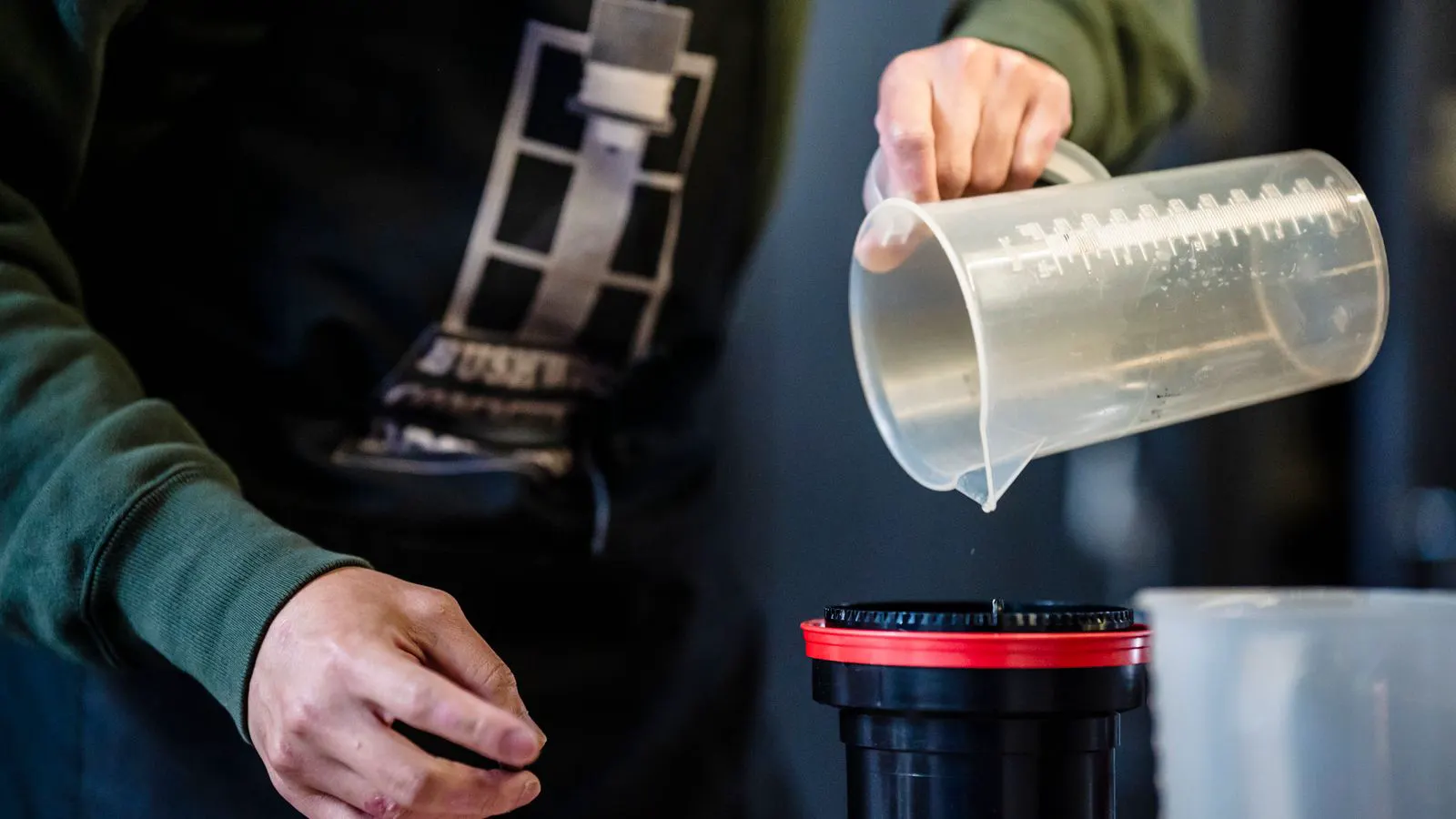
- Run a timed flow test. Use a viscometer or a timed flow cup. Pour a measured amount of ink and time the flow. Compare the result to the baseline. If the flow is too fast, the viscosity is low. If it is too slow, the viscosity is high.
- Adjust with the correct thinner. Use the thinner recommended by the ink supplier. Do not mix different thinners. Some thinners change drying behavior. Others change surface energy. A small amount of the wrong thinner can create a problem that is hard to reverse.
- Check the ink duct and doctor blade. After adjusting viscosity, watch the ink duct. The ink should flow without clumping. The doctor blade should cut a clean line. If the blade leaves a streak, the viscosity may be too high. If the ink overflows the duct, the viscosity may be too low.
- Print a test sheet. Print a standard test sheet with solid areas, fine lines, and a dot scale. Run the sheet through the press and check the results. Look for dot gain, scumming, and dry spots.
- Adjust the water balance if needed. If the test sheet shows scumming or poor transfer, check the water balance before changing viscosity again. A water imbalance can mimic a viscosity problem. Fix the water first.
- Confirm the viscosity again after the press run. Run the timed flow test again after the press has been running for a short period. The ink may have changed during the run. If the value is stable, the setting is good. If it has drifted, check the ink temperature and the press conditions.
How Viscosity Affects Different Coated Paper Types
Different coated papers respond differently to viscosity. The selection process is the same, but the target range changes.
| Coated Paper Type | Typical Viscosity Behavior | Main Risk if Viscosity Is Too Low | Main Risk if Viscosity Is Too High |
|---|---|---|---|
| Gloss Coated | Low absorption, high surface energy | High dot gain, soft edges, scumming | Poor transfer, dry spots, ink starvation |
| Matte Coated | Medium absorption, lower surface energy | Ink soaks in, loss of color strength | Ink sits on surface, poor drying, scumming |
| Soft-Coat | Low absorption, high surface tension | High dot gain, poor fine detail | Ink does not flow, streaking in solids |
| Uncoated | High absorption, low surface energy | Ink soaks in, color fade | Ink breaks up, poor coverage |
Gloss coated paper is the most demanding. It has a dense surface that does not absorb much ink. The ink must spread evenly without flooding. A low viscosity spreads too far and creates high dot gain. A high viscosity does not flow well and leaves dry spots.
Matte coated paper has a rougher surface. It absorbs more ink than gloss. A low viscosity can soak into the coating and reduce color strength. A high viscosity sits on the surface and may not dry well.
Soft-coat paper has a high surface tension. It repels water and can repel ink if the ink is too thick. A low viscosity helps the ink spread. A high viscosity can cause streaking in solid areas.
Uncoated paper is the least controlled. It absorbs ink unevenly. Viscosity control is less about dot gain and more about even coverage. A low viscosity can cause ink to soak into the fibers and fade. A high viscosity can break up and leave gaps.
Common Mistakes in Offset Ink Viscosity Selection
Mistakes in viscosity selection are usually avoidable. They come from using the wrong tool, ignoring temperature, or adjusting too many variables at once.
Using the wrong viscometer. A timed flow cup is simple but not precise. A viscometer gives a more accurate reading. Use the same tool for every measurement. If you switch tools, the numbers are not comparable.
Ignoring temperature. Ink viscosity changes with temperature. A measurement taken in a cool room is not valid for a warm shop. Record the temperature and adjust the target value. If the shop temperature changes during the run, the viscosity will change too.
Changing too many variables at once. Do not change viscosity, water balance, and ink key in the same step. Change one variable, run a test, and record the result. If the result is wrong, you do not know which change caused it.
Using the wrong thinner. Some thinners are for speed. Some are for drying. Some are for surface energy. Using a drying thinner to speed up a slow ink can change the drying behavior. The ink may dry too fast on the press and scum.
Assuming the viscosity is stable. Ink viscosity is not a fixed number. It changes as the ink runs out of the tank. It changes as the ink warms up. It changes as the press runs. Check it at the start, in the middle, and at the end of the run.
Final Verification Step
The final verification step is a repeat test. Do not trust the first test. Run the press for a short period, then run the timed flow test again. Compare the new value to the baseline.
Print a second test sheet. Check the dot scale, the solid areas, and the fine lines. If the results are stable, the viscosity is correct. If the results have changed, check the temperature, the water balance, and the ink duct.
Log the final value. Record the paper type, the ink type, the press speed, the ambient temperature, and the viscosity reading. This log is your baseline for future jobs. When the same paper and ink return, you do not start from zero. You start from the known value.
If the log shows a drift over time, check the ink tank. The ink may be drying. Check the press conditions. The temperature may be changing. Check the water balance. A slow drift in water balance can change the effective viscosity on the press.
A stable viscosity is not a number. It is a condition. It is the result of the right paper, the right ink, the right press, and the right environment. When the condition is right, the printing quality is stable. When the condition is wrong, the viscosity will not save the job.
Frequently asked questions
How do I know if my offset ink viscosity is too low?
Low viscosity causes high dot gain, soft edges, and scumming. The ink spreads too far on the coated paper. If the solid areas look darker than expected and fine details are soft, check the viscosity.
How do I know if my offset ink viscosity is too high?
High viscosity causes poor transfer, dry spots, and ink starvation. The ink does not flow well through the press. If the solid areas have streaks or gaps and the ink does not transfer to the paper, check the viscosity.
Can I use any thinner to adjust viscosity?
No. Use only the thinner recommended by the ink supplier. Different thinners change drying behavior and surface energy. Using the wrong thinner can create a problem that is hard to fix.
How often should I check viscosity during a run?
Check viscosity at the start of the run, in the middle, and at the end. The viscosity can change as the ink warms up or as the press runs. A drift in viscosity can cause a drift in printing quality.
What should I do if the viscosity is stable but the quality is still bad?
Check the water balance, the ink key, and the press conditions. A stable viscosity does not guarantee good quality. The water balance and the press settings also affect the result. If the viscosity is stable and the quality is bad, the problem is not the viscosity.