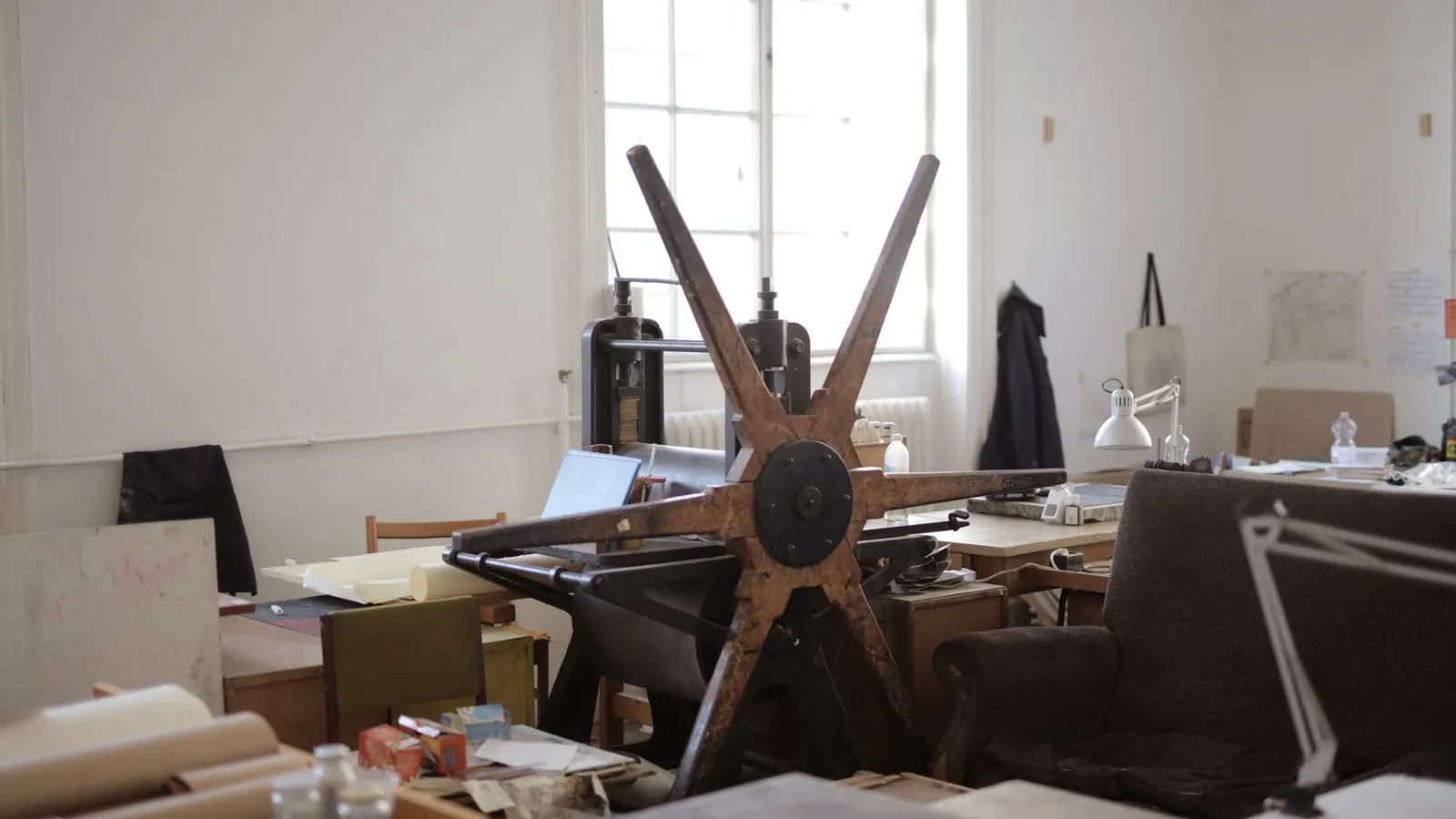
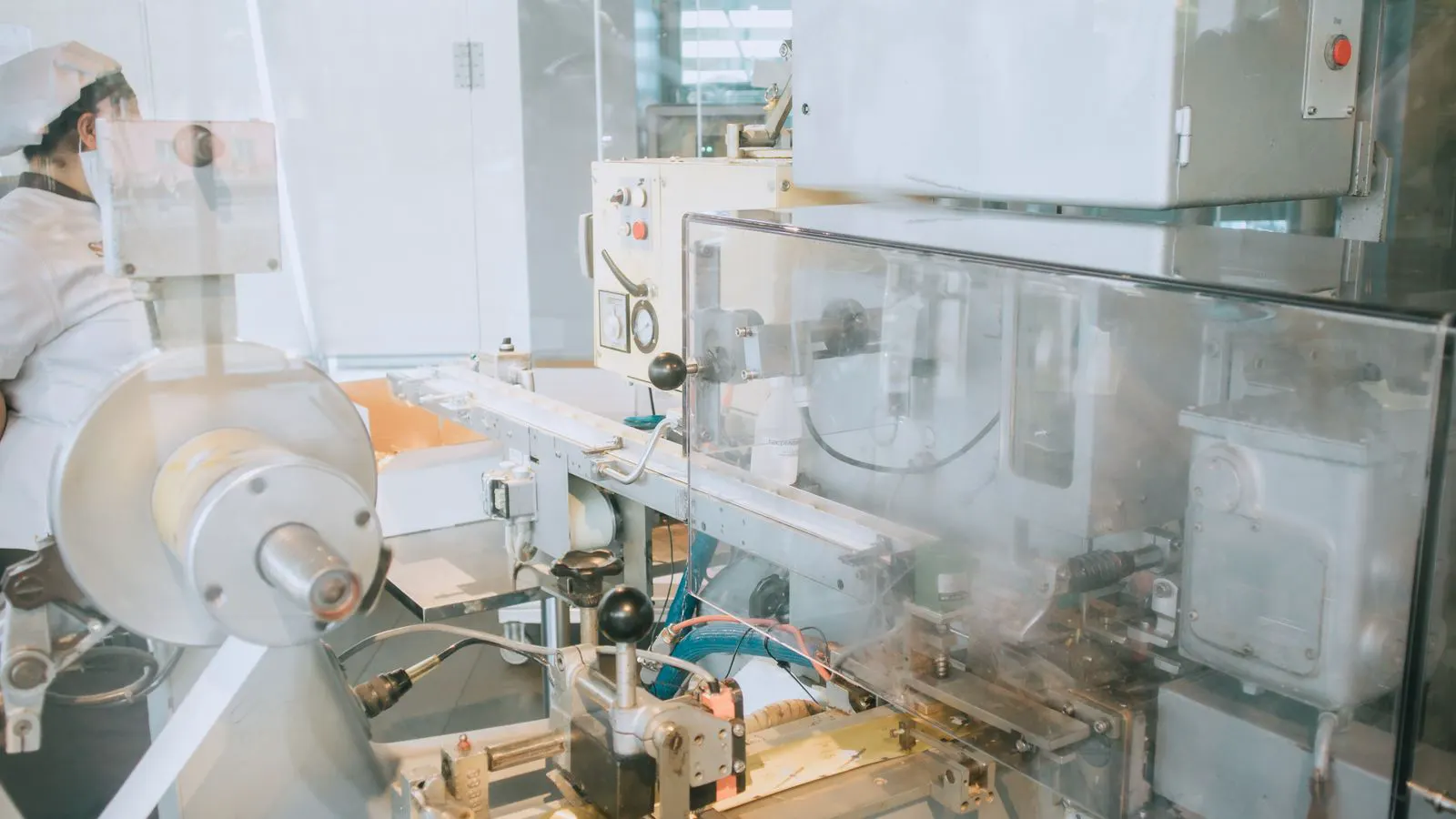
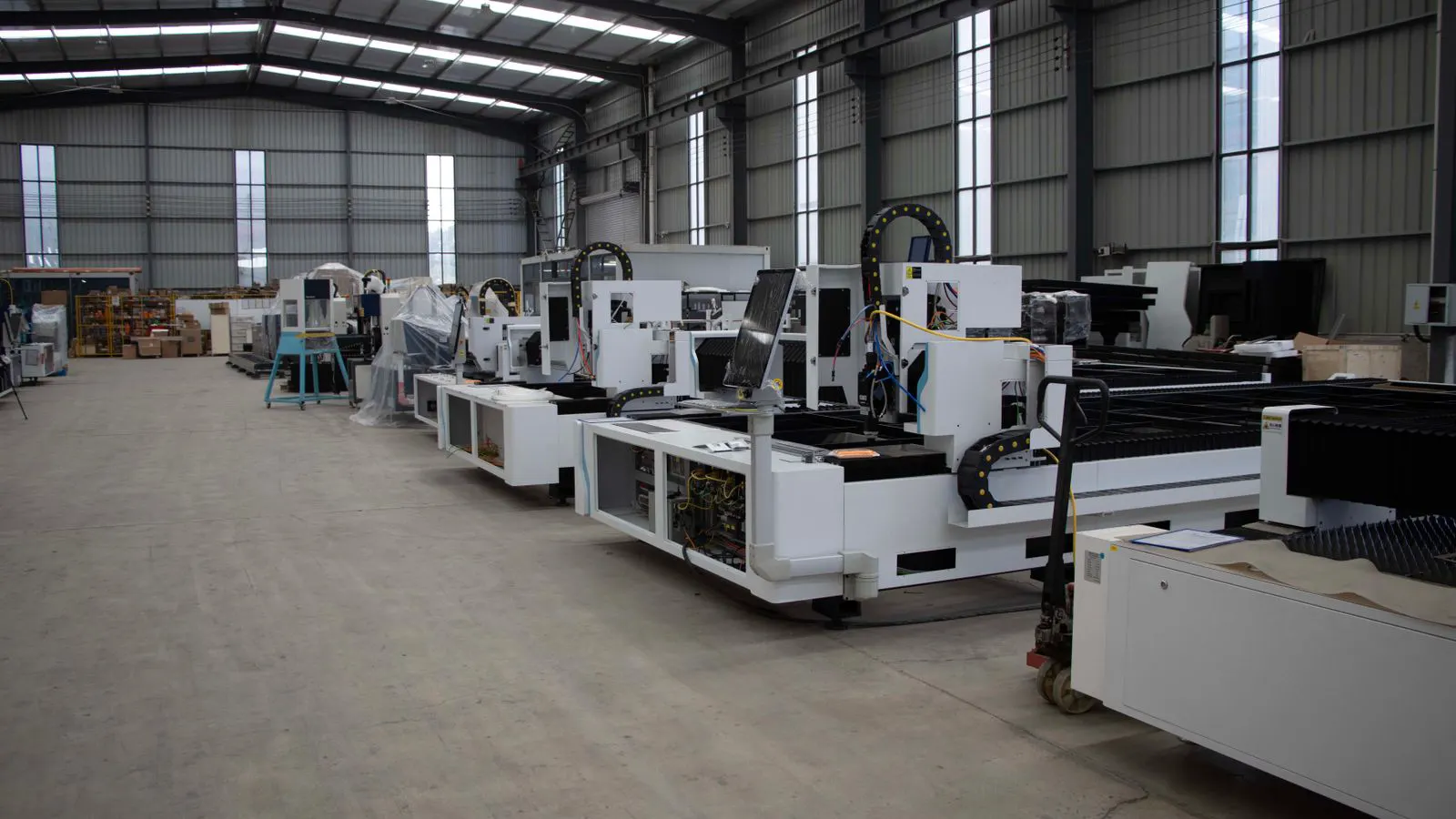
How to Install a New Printing Press in an Existing Facility
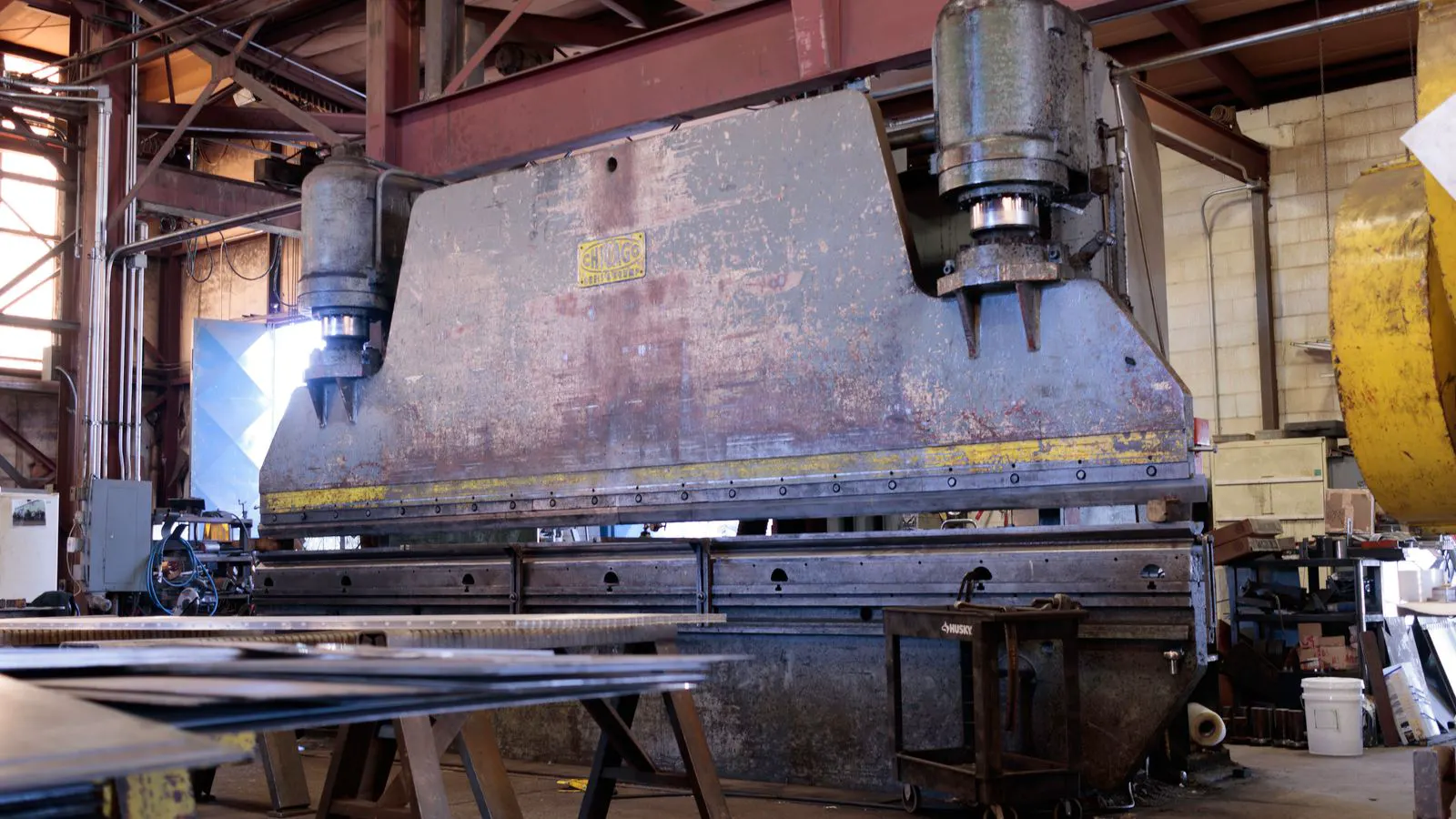
A successful installation requires careful planning of floor space, utilities, and logistics. This guide outlines the precise steps to integrate new machinery into an existing facility without disrupting operations.
- Measure available floor space and utility capacity before committing to a specific machine footprint.
- Plan for staged installation to minimize downtime in an active production environment.
- Coordinate with engineering and safety teams to verify structural and electrical load requirements.
Installing new printing equipment into a running plant is a complex logistical challenge. It involves more than just moving a heavy object from the dock to the floor. The process demands precision in spatial planning, utility integration, and operational coordination. This guide walks through the physical requirements of the printing press installation process.
1. Assess Structural and Spatial Requirements
The first step is a detailed survey of the existing facility. You must confirm that the floor can support the static and dynamic loads of the new machinery. Most modern offset and digital presses are heavy, and uneven loading can cause long-term structural issues.
Measure the exact dimensions of the target area, including clearances for operator access and material handling.
- Floor Load Capacity: Confirm the concrete slab can handle the press weight plus the weight of in-use materials.
- Ceiling Height: Ensure there is enough vertical space for overhead cranes or hoists if the machine is modular.
- Clearance Zones: Define the “no-go” zones around the machine for safety and maintenance.
| Parameter | Typical Requirement | Why It Matters |
|---|---|---|
| Floor Flatness | 3 mm per 3 m | Ensures mechanical stability and reduces vibration. |
| Clearance (Sides) | 1.5 - 2.0 meters | Allows for operator movement and ink/fuel changes. |
| Ceiling Height | 3.5 - 4.5 meters | Necessary for safe overhead lifting operations. |
2. Plan Floor Space and Workflow
Integrating a new press into an existing layout requires a complete rethink of the material flow. The goal is to eliminate bottlenecks and backtracking.
Map the path of the job from the receiving area to the finishing press. If the new machine disrupts the current line, you will lose efficiency before the first sheet is even printed. Consider where the paper rolls, inks, and waste products will be stored.
- Input Zone: Place the paper feed area near the storage racks.
- Output Zone: Position the delivery stack near the finishing or folding stations.
- Maintenance Access: Ensure service doors and rear panels are not blocked by other equipment.
## 3. Verify Utility Infrastructure
The printing press installation process is often delayed by utility upgrades. You need to coordinate with your plant’s engineering team to ensure the site is ready.
- Electrical Service: Confirm the voltage and amperage match the machine’s specifications. Most large presses require three-phase power and dedicated circuit breakers.
- Compressed Air: Check the pressure and flow rate required for pneumatic components like ink fountains and grippers.
- Ventilation: Assess the need for local exhaust systems to handle solvents, inks, or heat generated by the machine.
4. Coordinate Logistics and Site Access
Moving a press of this size is a specialized operation. You must plan the route from the loading dock to the final position.
- Door Widths: Measure all doors along the path. Many presses require 2.5 meters or more of clearance.
- Ramp Access: If the dock is higher than the floor, ensure the ramp is wide enough and has a low enough grade for the skids.
- Timing: Schedule the move during a production lull. A single-day move can be disastrous if it interrupts a deadline.
5. Prepare the Floor and Level the Machine
Once the press is on site, the floor must be prepared. The surface should be clean, dry, and free of debris. You will need leveling feet or shims to bring the machine to a precise horizontal plane.
The level is critical because even a slight tilt can cause ink starvation, register errors, or bearing wear. Use a digital level or laser alignment tool to check the machine in multiple directions.
- Shim Installation: Use stainless steel shims for permanent leveling.
- Torque Check: Tighten the leveling feet in a cross-pattern to distribute weight evenly.
- Final Check: Re-check the level after the machine has been fully connected and powered up.
6. Connect Utilities and Perform Initial Power-up
With the physical setup complete, the next step is connecting the power, air, and water lines. This is where the technical integration begins.
- Electrical Connection: Have a licensed electrician connect the machine to the dedicated circuit.
- Air Lines: Connect the compressed air hoses to the machine’s pneumatic manifold.
- Ink and Water: Install the ink fountain and water system. Ensure all connections are secure and leak-free.
Perform a “dry run” without paper. This allows the technical team to check for mechanical interference, unusual noises, and software initialization.
7. Commission and Test Print
The final phase is commissioning. You will run the machine through its startup sequence and then perform a test print.
- Calibration: Adjust the registration and ink density using the machine’s built-in sensors.
- Test Run: Print a standard test sheet. Check for color consistency, registration accuracy, and paper quality.
- Operator Training: Before full production, ensure your staff understands the new controls and safety protocols.
Common Mistakes to Avoid
- Underestimating Footprint: Failing to account for the service area around the press.
- Ignoring Vibration: Placing the machine next to other sensitive equipment without vibration isolation.
- Poor Air Quality: Using compressed air that is not properly dried or filtered, which can damage internal components.
- Rushing the Leveling: Assuming the floor is flat enough without professional verification.
Final Verification
Before declaring the installation complete, perform a final walk-through. Verify that all safety guards are in place, the emergency stops are functional, and the floor is clean. Document the as-built configuration, including utility connections and floor markings. This documentation is essential for future maintenance and safety audits. A well-executed installation ensures the machine performs to its full potential from day one.
Frequently asked questions
How much clearance do I need around a new printing press?
You generally need at least 1.5 to 2 meters of clearance on all sides. This allows for operator access, material handling, and maintenance.
What is the most common reason for installation delays?
The most common delay is utility incompatibility. Finding out that the electrical service or compressed air lines are insufficient after the machine has been ordered is a frequent issue.
Do I need a crane to move a printing press into the building?
Often, yes. Most large presses are too heavy for manual handling. You should plan for a forklift or overhead crane if the machine is too heavy for a dock-leveler.
How do I know if my floor is strong enough?
You should consult a structural engineer. They can assess the concrete slab's load-bearing capacity based on the specific weight and dimensions of the new equipment.
Can I install a press in an existing facility without closing the whole plant?
Yes, it is possible but requires careful planning. You must schedule the move during low-traffic hours and have a clear logistics plan to avoid disrupting other production lines.