Checklist: Verifying Inkjet Nozzle Integrity Before Startup
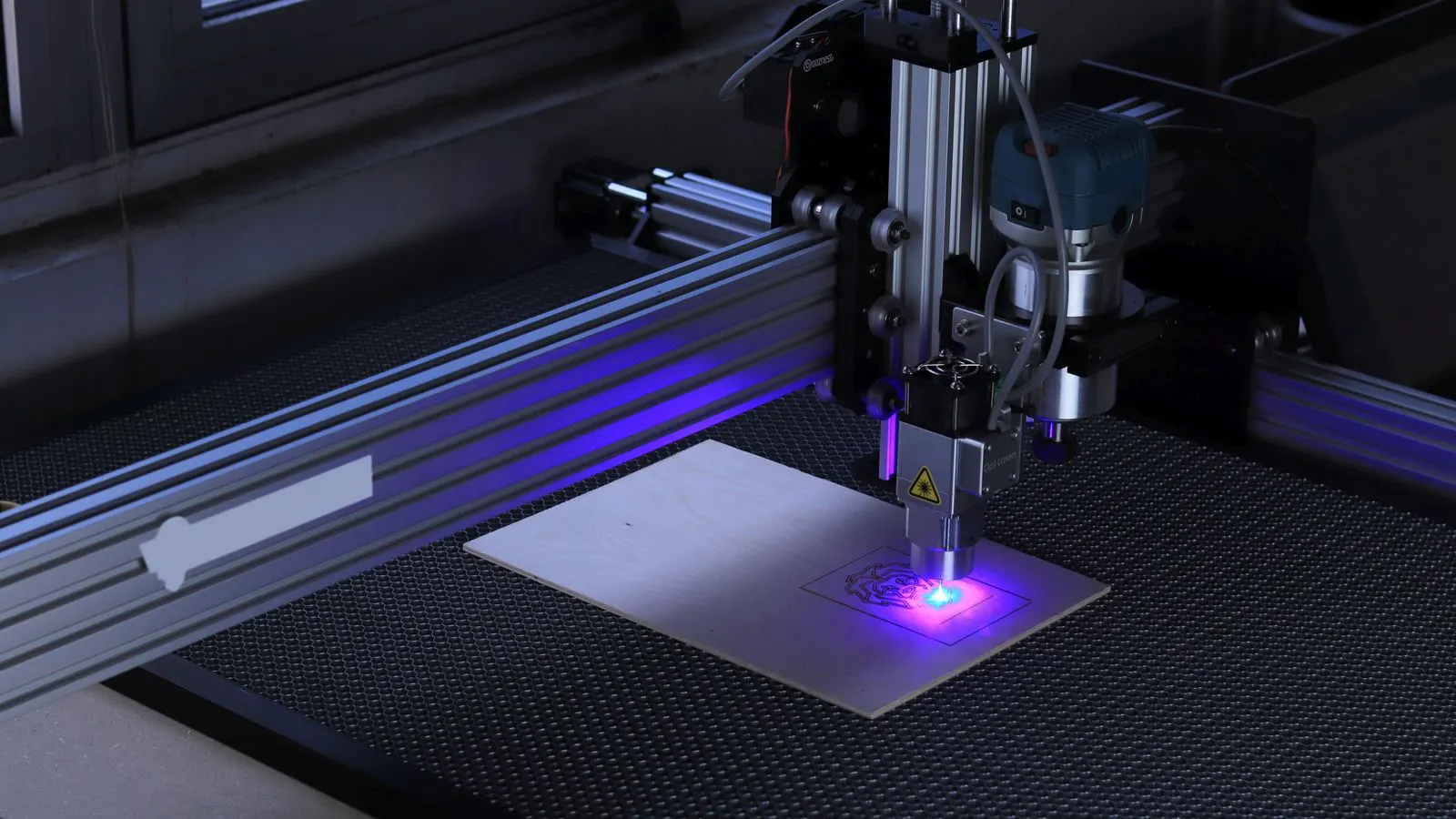
Verify inkjet nozzle integrity by checking for physical damage, clogs, and pressure stability. This pre-startup inspection prevents production losses, protects substrate quality, and ensures reliable start-up. Use the checklist items below to audit each nozzle station before running commercial work.
- Inspect nozzles for physical damage before powering the system.
- Perform a nozzle testing sequence to detect clogs or partial blockages.
- Document pressure and flow data to track performance over time.
- Keep a pre-startup inspection record for each production run.
- Isolate and quarantine suspect nozzles immediately to prevent spread of defects.
Why Inspect Nozzles Before Powering the System
A failed nozzle does not always announce itself with a loud alarm. Sometimes it simply prints a thin line, a broken stripe, or a faint ghost on the substrate. If the operator starts production before checking the nozzle station, the first run may pass a visual check while the second run fails on a tighter tolerance. The cost of catching a defect after the first customer sample is significantly higher than catching it during a two-minute pre-startup inspection.
Engineers treat nozzle integrity as a gate. The machine must pass a defined inspection before it is released for commercial work. This gate catches mechanical damage, dried ink particles, and pressure anomalies that routine cleaning may have missed.
The following checklist is grouped by theme. Each section contains a numbered list of checks. The red flags column identifies what a bad result looks like on the floor.
Physical Inspection of the Nozzle Block
Start with a visual audit of the nozzle block. Use a magnifying lens or a low-power microscope if the block is dense. Do not touch the nozzle tips with bare fingers. Oils from skin can change surface tension and cause uneven droplet formation.
- Check for visible cracks in the ceramic or glass nozzle caps. A hairline fracture may not be visible at normal viewing distance.
- Look for ink residue on the block body. Dry ink that has hardened into a crust indicates the system was idle for too long.
- Inspect the fluid manifold for leaks. A wet spot on the manifold housing can indicate a gasket failure.
- Verify that all O-rings are seated correctly. A pinched O-ring can restrict flow to a single nozzle.
- Check the nozzle alignment. Misaligned nozzles can cause overlapping or missing lines on the substrate.
Red flags: A dark ring around a nozzle tip often means dried ink. A loose cap suggests the nozzle may have shifted during transport or a previous cleaning cycle. A missing O-ring is a stop-work condition.
Nozzle Testing Sequence
Run the machine’s built-in nozzle testing routine after the physical inspection. This routine typically involves firing each nozzle individually and measuring the droplet volume or pressure. The goal is to detect partial clogs that a visual check will miss.
- Prime the ink channels with a low-viscosity cleaning fluid. This dissolves dried particles without damaging the nozzle tips.
- Run the pulse test. Fire each nozzle at a low frequency. Compare the pressure reading to the baseline.
- Run the flow test. Measure the volume of fluid delivered per pulse. A deviation of more than ten percent from the baseline is a red flag.
- Run the image test. Print a test pattern with solid bars and fine halftone dots. Inspect the pattern under a lightbox.
- Compare the test pattern to a reference standard. Look for broken lines, missing dots, or uneven coverage.
Red flags: A pressure spike indicates a partial blockage. A low flow reading can mean a clog or a failing piezoelectric driver. A missing dot in the image test means the nozzle is not firing or the droplet is too small to stick.
Pressure and Flow Verification
Pressure and flow data are the quantitative backbone of nozzle integrity. A nozzle that looks fine can still be failing because the pressure is drifting. Track these values over time to establish a baseline for each machine.
- Record the supply pressure at the nozzle block inlet. This value should be stable during the test.
- Record the return pressure. A high return pressure indicates backflow or a restriction in the line.
- Measure the flow rate per nozzle. Use a calibrated flow meter if the machine does not provide this data.
- Check for pressure fluctuations. A fluctuating supply pressure can cause inconsistent droplet size.
- Compare the data to the previous inspection. A trend of declining flow across multiple nozzles may indicate a clogged filter upstream.
Red flags: A pressure drop after priming suggests a leak. A flow rate that is consistently low on one side of the block may indicate a manifold issue. A fluctuating supply pressure is often caused by a failing pump or a clogged filter.
Document and Record the Results
A pre-startup inspection is only useful if the results are recorded. An engineer who checks a nozzle without writing down the data cannot trace a defect back to a specific machine or shift. Keep a log for each production run.
- Record the date and time of the inspection.
- Record the operator name and the machine ID.
- Record the ink type and viscosity used during priming.
- Record the pressure and flow values for each nozzle.
- Note any nozzles that failed the test.
- Record the action taken. For example, “Nozzle 14 cleaned twice. Passed on second test.”
- Store the test pattern image with the log.
Red flags: Missing data in the log makes it impossible to verify compliance. A test pattern that is not archived means you cannot prove the machine was healthy at the start of a run. An undocumented repair means the next engineer will not know what was done.
Isolation and Quarantine of Suspect Nozzles
A single bad nozzle can contaminate the ink channel. If you continue to run the machine with a clogged nozzle, the dried ink can migrate to neighboring nozzles. Isolate the suspect nozzle immediately.
- Identify the failed nozzle.
- Close the valve for that nozzle.
- Run the cleaning cycle for the isolated nozzle.
- If the nozzle fails after two cleanings, replace it.
- Run a full nozzle test again.
- Document the replacement.
Red flags: A nozzle that fails after cleaning is likely damaged. A nozzle that fails after replacement may indicate a problem with the fluid manifold or the driver board. Do not assume the problem is the nozzle. Check the upstream components.
Common Mistakes in Pre-Startup Inspection
Engineers make the same mistakes on this task. These mistakes are usually not due to lack of skill. They are due to time pressure and habit.
- Skipping the physical inspection because the machine passed the previous run.
- Using a high-viscosity cleaning fluid for a routine check.
- Ignoring a pressure spike because the flow test passed.
- Not archiving the test pattern.
- Replacing a nozzle without checking the upstream filter.
These mistakes create a false sense of security. A machine can pass a flow test and still have a pressure anomaly that will cause a defect on a fine halftone. A machine can pass a visual check and still have a dried particle that will clog the nozzle during the first hour of production.
When to Escalate
Some issues cannot be fixed with a standard pre-startup inspection. If a nozzle fails after two cleanings and a replacement, the problem is likely mechanical or electrical. Escalate to a service engineer.
- A nozzle that fails after replacement.
- A pressure anomaly that is not present in the isolated nozzle test.
- A flow rate that is consistently low on multiple nozzles.
- A test pattern that shows a systematic defect across the entire block.
- A machine that cannot hold supply pressure.
These conditions indicate a problem with the fluid manifold, the driver board, or the pump. Do not attempt to fix these issues with a standard cleaning cycle. A misdiagnosis can damage the machine further and increase downtime.
Final Thoughts on the Checklist
This checklist is a starting point. Adjust it to match your machine and your ink. The key is consistency. Run the same checks every time. Record the same data every time. Compare the results to the baseline. A nozzle integrity check is not a one-time event. It is a habit. A habit prevents production losses, protects substrate quality, and ensures that the machine starts every run in a known state.
Frequently asked questions
How often should I inspect inkjet nozzles?
Inspect nozzles before every production run. If the machine is idle for an extended period, inspect the nozzles before restarting. A consistent schedule prevents surprises.
Can I skip the physical inspection if the flow test passes?
No. A flow test detects clogs but not physical damage. A cracked nozzle cap can pass a flow test and fail during production. Always perform a visual inspection.
What is the best cleaning fluid for a routine check?
Use a low-viscosity cleaning fluid. High-viscosity fluids can damage nozzle tips and cause uneven droplet formation. Follow the manufacturer's recommendation.
How do I know if a nozzle is damaged?
A damaged nozzle will fail after two cleanings. It may also show visible cracks or a dark ring around the tip. If a nozzle fails after replacement, check the upstream components.
Where should I store the test pattern?
Store the test pattern image with the inspection log. Archive it in a digital format. This allows you to compare the test pattern to a reference standard and to prove the machine was healthy at the start of a run.