Troubleshooting Common Die Cutter Issues
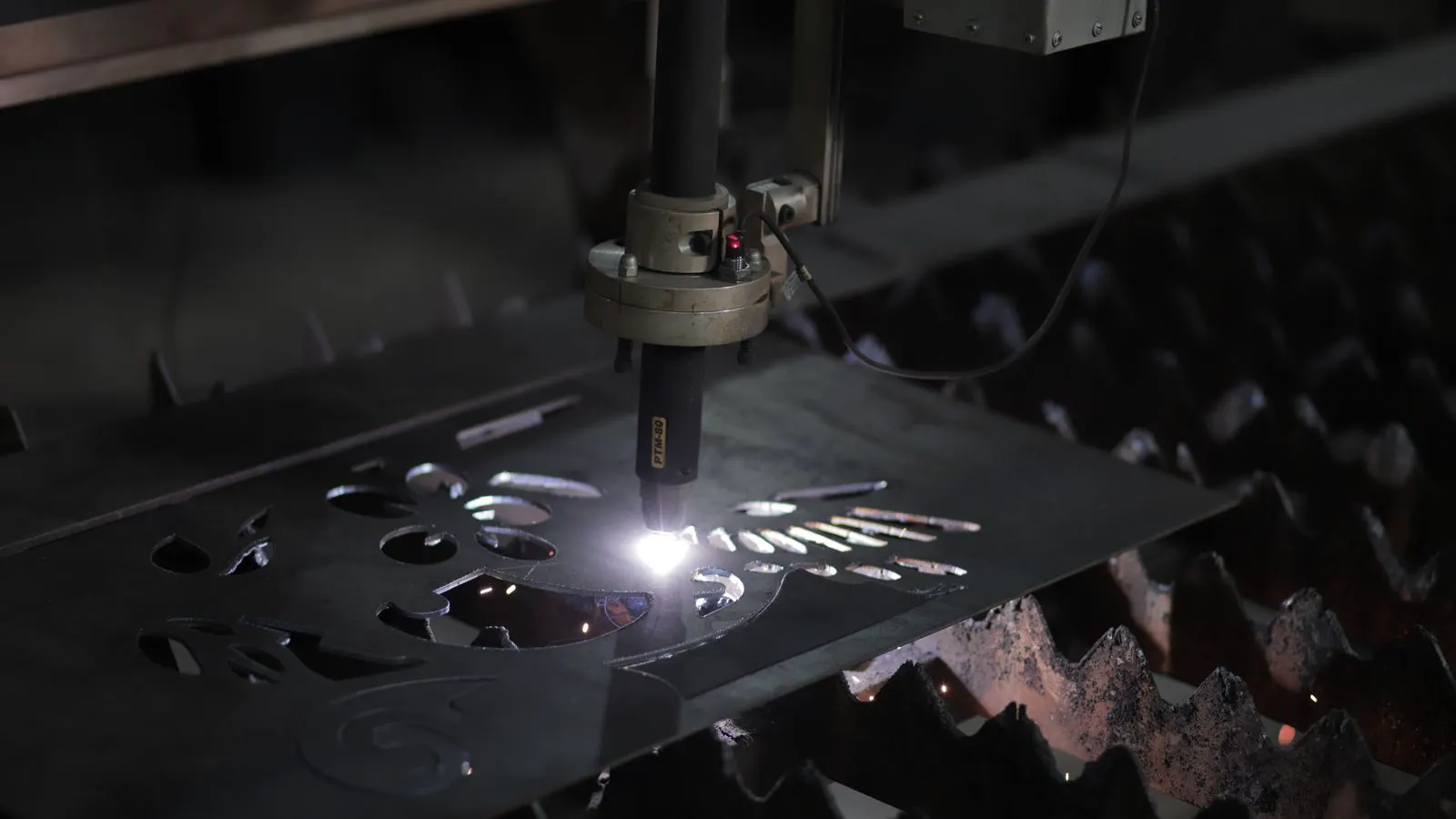
This guide covers common die cutting troubleshooting steps for post press finishing equipment. It identifies causes for misalignment and dull blades, then provides practical fixes and prevention tips to reduce downtime and improve finishing equipment performance.
- Regular blade inspection and replacement prevent most cutting quality issues
- Misalignment often comes from worn guide rollers or loose die mounting
- Proper die cutter setup reduces rework and material waste
- Tracking maintenance schedules helps catch small problems before they stop production
- Operator training on die cutter checks improves consistency
Why die cutting problems stop production
Die cutters handle finished sheets, labels, and packaging parts. When the blade does not cut cleanly, the whole finishing line slows down. Operators see jagged edges, partial cuts, or off-register marks. These problems often trace back to a few repeat causes: blade condition, die alignment, material thickness, and machine settings.
A quick check of the cutting zone before a run can save hours of rework. The goal is simple. Identify the symptom, match it to a likely cause, and apply a fix that works on standard post press finishing lines. Most production stops are not mysterious. They are the result of small deviations that accumulate over time. A blade that loses a fraction of its sharpness, a die that shifts a millimeter, or a pressure setting that is one notch too high will all show up on the first few hundred sheets.
The cost of a bad cut is rarely just the material. It is the time lost to rework, the need to strip labels or re-cut panels, and the risk of damaging downstream components like folding units or lamination stations. If a cut edge is rough, it can snag on a lamination roller. If a die cut panel is slightly too small, it may not fit into a box or sleeve. The fix must happen at the die cutter. If the cut is wrong, no amount of downstream adjustment will make the finished product acceptable.
How to read the cut before diagnosing the machine
Look at the cut line first. A clean cut shows a smooth edge and no tear-out. A rough edge may mean a dull blade or a material that does not match the die. A partial cut points to pressure, registration, or blade angle issues.
Check the waste side of the cut. If the die is not fully closed, material can stick to the blade. If the blade is too shallow, the cut will not release cleanly. If the die is too deep, it can crush the substrate or leave a visible ridge. The waste side is often more revealing than the finished part. Look for small strands of fiber or coating that have not separated completely. This is a sign that the blade is not reaching the full depth of the material. It can also indicate that the material is too thick for the current die setup.
Take a sample cut and hold it up to light. This helps show hairline cracks or incomplete separation. Do this after every changeover, not only at the start of a shift. Light transmission is a quick way to see if the cut is truly complete. If light passes through the cut line, the blade has not cut all the way through. If the edge looks uneven under the light, the die or blade is not running true.
Inspect the corners and curves. Straight cuts are easier to diagnose than complex shapes. A corner may be cut correctly while a curved section is torn. This usually points to a blade that is not following the die profile accurately, or a material that is too stiff for the current speed. Check the registration marks on the finished part. If the cut is off-center, the problem is likely in the feed or the die mounting, not the blade itself.
Common die cutter issues and fixes
The table below lists frequent symptoms, likely causes, and practical fixes. Use it as a field checklist during setup or when quality drops.
| Symptom | Likely cause | What to do |
|---|---|---|
| Jagged or torn cut edge | Dull blade, worn die, or abrasive material | Check blade edge for nicks. Replace blade if cutting force rises. Match die material to substrate thickness. |
| Incomplete cut | Low blade pressure, short blade, or thick material | Adjust pressure to the substrate weight. Confirm blade length and die depth. Use a thicker die for heavier stock. |
| Off-register cut | Misaligned die, worn guide rollers, or loose mounting | Realign die to the press feed path. Check guide rollers for wear and proper tension. Tighten die mounting hardware. |
| Burn marks or scorching | Excess pressure, slow line speed, or poor blade contact | Reduce pressure. Increase line speed if the cutter can handle it. Verify blade is seated fully in the die holder. |
| Material sticking to blade | Adhesive residue, static, or blade angle issue | Clean blade with approved solvent. Add anti-static measures. Adjust blade angle if the model supports it. |
| Uneven cut depth | Worn die plate, loose die, or inconsistent material thickness | Inspect die plate for dents or wear. Replace or re-machine the die. Confirm material thickness is within the rated range. |
Fixing misalignment on die cutters
Misalignment is one of the most common complaints in post press finishing. The cut may look correct for a few sheets, then drift. This usually happens when the die is not parallel to the feed direction.
Start with the die mounting. Remove the die and inspect the mounting surface for burrs or debris. Clean the plate and reseat the die. Tighten clamping screws in the correct sequence, usually in a diagonal pattern, to keep the die flat. If the die is not flat, the blade will not make contact with the material at the same time across the whole width. This creates a cut that is deep on one side and shallow on the other.
Next, check the feed guides. If the guides are worn, the sheet can shift before it reaches the cutter. Replace worn guides and adjust the gap so the sheet moves straight. On multi-pass lines, verify that each station is aligned to the previous one. A small shift at the infeed becomes a large shift at the die cutter if the downstream stations are not aligned.
Run a few test sheets with registration marks. If the cut shifts to one side, the die may be rotated slightly. If it shifts up and down, the feed rollers may be slipping. Adjust the feed tension and confirm the rollers are not glazed. Glazed rollers lose grip, especially on smooth coated stocks. They can slip under light load and cause the sheet to jump.
Check the die cutter frame for play. If the frame is loose, the die can shift during operation. Tighten the frame bolts to the manufacturer’s specification. Do not over-tighten, as this can warp the frame and cause the die to bind.
Fixing dull blades and poor cut quality
A dull blade cuts with more force and creates a rougher edge. Over time, the cutting edge can round off, especially when processing cardboard, laminated stock, or paper with a rough surface.
Inspect the blade at regular intervals. Look for a shiny, rounded edge or visible nicks. A clean blade should show a sharp, straight line. If the edge looks worn, replace it. Do not try to sharpen most die cutter blades in the field. The geometry is designed for factory production, and hand sharpening can make the problem worse. Most blades are precision ground. Any attempt to alter the angle or remove material by hand will change the cutting performance and can damage the die.
Match the blade to the material. Thin paper may require a lighter blade. Heavyboard or coated stock may need a tougher edge. If you switch materials often, keep a small set of blade types on hand. This avoids long waits for a single blade to handle every job. A blade designed for a specific material type will last longer and produce a cleaner cut than a generic blade used for everything.
Check blade seating. If the blade is not fully in the holder, the contact area is smaller and wear happens faster. Clean the blade channel and confirm the blade sits flat. A small amount of approved lubricant can help, but too much can attract dust and damage the cut. Dust mixed with lubricant acts like abrasive paste and can dull the blade quickly.
Listen to the cutter. A dull blade often makes a different sound. It may sound more labored or produce a higher pitch as it engages the material. If you hear a change in the sound, stop the machine and inspect the blade. It is easier to diagnose a problem when the machine is running and the sound is changing.
Adjusting pressure and speed for clean cuts
Pressure and speed work together. Too much pressure can crush the substrate and wear the die. Too little pressure leaves a partial cut. The right setting depends on material thickness, coating, and blade condition.
Start with the manufacturer’s default for the material type. If the material is standard, run a short test and adjust from there. If the cut is clean but the edge looks crushed, lower the pressure. If the cut is incomplete, raise the pressure in small steps. Do not make large changes. Adjust by one notch or one millimeter of pressure at a time. Large changes can cause sudden shifts in cut quality and make it harder to identify the optimal setting.
Line speed matters too. A cutter that runs too slow can overheat the blade and create a burn mark. A cutter that runs too fast may not give the blade enough contact time. Find the speed where the cut is clean and the edge is smooth. Keep a log of the settings that work for each material type. This log is invaluable when a new operator takes over the line or when a new material arrives.
Consider the material coating. Coated stocks can be slippery. They may require slightly more pressure or a slower speed to ensure the blade engages the substrate properly. Uncoated stocks are more forgiving but can tear if the blade is dull. Test a small batch of each material type and record the settings. This reduces the time needed for changeovers and ensures consistency.
Prevention tips for finishing equipment
Prevention saves more time than troubleshooting. A short routine can keep the die cutter running cleanly for months.
- Inspect the blade and die at the start of each shift. Look for nicks, debris, and wear.
- Clean the cutting zone after each material change. Adhesive and dust build up quickly.
- Check die alignment after any maintenance or die replacement.
- Keep a maintenance log. Record blade changes, die replacements, and pressure settings.
- Train operators on the basics of die cutting troubleshooting. A few minutes of training can prevent a whole day of rework.
When to replace the die
A die is a tool, not a permanent part. It wears with use. If the cut quality drops and the blade is new, the die may be the problem. Look for a rough die edge, a warped plate, or a gap between the die and the blade.
Replace the die when the cut no longer matches the original sample, even if the blade is new. A worn die can damage a good blade and create inconsistent cuts. Keeping a small stock of critical dies for your most common jobs reduces downtime. If you produce the same label or packaging part regularly, have a spare die ready. This allows you to switch to a new die if the current one fails, without waiting for a replacement to be manufactured.
Store dies in a dry place. Moisture can cause rust on steel dies. Impact can crack composite dies. Handle them by the edges, not the cutting surface. The cutting surface is the most precise part of the die. Any dent or scratch can affect the quality of the cut.
Related finishing topics
Die cutting fits into the broader post press finishing workflow. It often follows printing and precedes lamination or binding. For more context, see how die cutting works in post press finishing and how finishing equipment trends affect line planning.
Frequently asked questions
What is the first thing to check when a die cutter produces a rough cut?
Check the blade edge first. A dull or nicked blade is the most common cause of a rough cut. Replace the blade if the edge looks worn.
How do I know if the die is misaligned?
Look for a cut that shifts to one side or one end over several sheets. Recheck the die mounting and feed guides. Run test sheets with registration marks to confirm.
Can I sharpen a die cutter blade in the plant?
Usually not. Most die cutter blades are designed for replacement, not hand sharpening. The cutting geometry is precise, and field sharpening can make the cut worse.
How often should I inspect the die?
At the start of each shift and after every die change. If the material changes, check the die and blade again. A quick visual check takes a few minutes.
What should I do if the cut is incomplete?
Check pressure first. Raise it in small steps. If the material is thick, confirm the die depth and blade length match the stock. A partial cut often means the blade is not reaching the full thickness.