Outlook: AI in Digital Press Quality Control
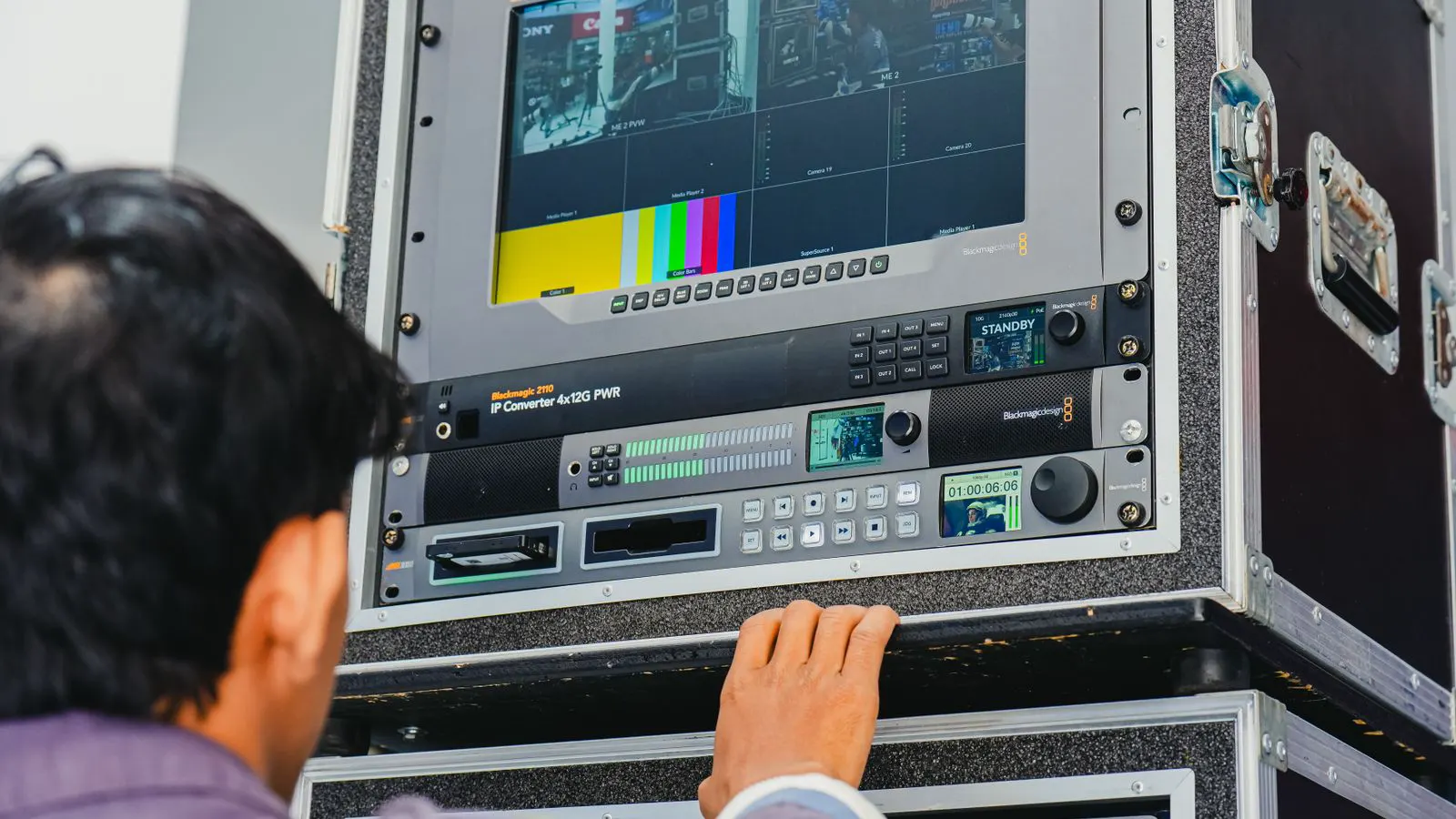
AI is moving from offline sampling to continuous monitoring on digital presses. It helps operators catch inkjet defects, registration drift, and media issues earlier. This guide outlines six practical shifts buyers and engineers should plan for now.
- AI systems are shifting quality control from periodic sampling to continuous, real-time monitoring.
- Automated inspection helps identify subtle defects like banding, color drift, and media handling errors faster.
- Buyers should evaluate vendor software capabilities and data integration requirements early.
- Operator training is changing from manual visual checks to supervising automated alerts.
- Data security and standardization will become more important as quality metrics become digital assets.
The shift from periodic checks to continuous monitoring
Digital press quality control has traditionally relied on a simple model. An operator runs a test page, checks the print, adjusts the press, and repeats the process at intervals. A job might run for an hour, and the operator might check it every fifteen minutes. This method works, but it leaves a gap. If a defect starts on the third minute and the operator checks at the fourth, the press has already printed several hundred sheets with a problem.
Artificial intelligence is changing that gap. Modern AI printing systems use machine vision or embedded sensors to monitor every sheet as it passes the print area. The software compares each sheet against a reference profile and flags deviations instantly. The operator does not wait for a visual cue. The system sends an alert to the press interface or a connected tablet.
This shift moves the focus from detecting a problem to preventing its continuation. The press can pause, reject a sheet, or trigger a corrective action before a full batch is compromised. For short runs, where margins are thin, this difference matters. A bad batch of short run materials can cost more than the labor saved by manual checking.
How automated inspection handles complex defects
A human eye is good at spotting obvious issues. A large ink drop, a jam, or a major color shift will catch attention quickly. But subtle problems are harder. Banding on a variable data job, slight registration drift on a multi-page form, or a faint scratch on a coated stock can be difficult to see at a distance.
Automated inspection software is designed for these subtle issues. It analyzes pixel-level data from a camera or sensor. It looks for patterns that a human might miss. For example, it can track a slight color shift across a full color page over time. It can detect a faint horizontal line that suggests a printhead issue. It can compare the printed output to a digital proof and flag discrepancies in a specific region.
The system does not just say “error.” It can specify the type of defect. It can point to the exact location on the page. Some systems even suggest a likely cause, such as a printhead cleaning cycle or a media feed adjustment. This level of detail helps the operator make a faster decision. They do not have to diagnose the issue from scratch. They start with a hypothesis.
| Defect Type | Detection Method | Typical Operator Action |
|---|---|---|
| Banding | Pattern recognition over multiple sheets | Clean printheads or adjust ink levels |
| Registration Drift | Comparative alignment analysis | Adjust feed rollers or alignment sensors |
| Color Shift | Spectrophotometric or camera-based profiling | Recalibrate color profile or check ink levels |
| Media Defects | Surface texture and scratch analysis | Reject sheet or check media path |
| Ink Drying | Reflectance or gloss measurement | Adjust drying time or change media settings |
The impact on operator roles and workflow
The introduction of AI in digital press quality control changes the job of the press operator. The role moves from a visual inspector to a system supervisor. The operator still needs to understand the press and the job. They still need to make adjustments. But their time is spent less on staring at sheets and more on managing alerts.
This requires a different set of skills. Operators need to understand how the software interprets data. They need to know what a false positive looks like. They need to decide when to trust the alert and when to override it. If the system flags a color shift that is actually within acceptable tolerance for a specific job, the operator needs to know how to adjust the threshold.
Training programs are adapting to this. Many vendors now include software training alongside mechanical training. The operator learns how to set up the quality control profile for a specific job. They learn how to interpret the dashboard. They learn how to clear an alert after a manual adjustment. The workflow becomes a conversation between the human and the machine. The machine provides the data. The human provides the context and the final decision.
Data integration and job management
AI quality control does not work in a vacuum. It needs data. The system needs to know what the job should look like. It needs the digital proof, the color profile, and the media specification. It also needs to log what it finds.
This creates a new layer of job management. Every sheet is now part of a digital record. If a defect occurs, the system logs the time, the job ID, the defect type, and the corrective action taken. This data is valuable for future jobs. It helps identify trends. If a specific media type causes more banding issues, the system can flag it. If a specific ink lot shows a color shift pattern, the log can help track it.
Buyers should pay attention to how the quality control system integrates with the front-end job management software. The data should flow easily. The operator should not have to manually transfer information from the press interface to the job management system. The digital record should be complete and accessible. This integration supports the long-term goal of process improvement. It turns a single job into a learning opportunity.
Practical preparation for buyers and engineers
If you are preparing to buy or upgrade a digital press, how AI is used for quality control should be part of the evaluation. It is not just a “nice to have” feature. It is a core part of the workflow. When you visit a vendor or a showroom, ask specific questions.
- How does the system define a defect?
- What is the response time from detection to alert?
- Can the operator adjust the sensitivity of the checks for different jobs?
- How is the data stored and accessed?
- What happens when the system is unsure? Does it escalate to the operator?
These questions reveal the maturity of the system. A basic system might just flag a red light. A mature system provides context. It allows the operator to fine-tune the checks. It stores data for analysis. It integrates with other parts of the workflow.
Also, consider the media and ink compatibility. AI systems rely on consistent inputs. If the media varies in thickness or coating, the system might struggle. If the ink behavior changes, the reference profile might need updating. The system should be able to handle these variations without constant manual re-tuning. Ask how the vendor handles these scenarios. Do they provide training? Do they have a support team that understands the software?
The path toward predictive maintenance
The next step for AI in digital press quality control is moving beyond defect detection to predicting failures. The system does not just say “the print is bad.” It says “the print is bad, and the printhead is likely to fail in the next two hours.”
This is possible because the data from quality control is the same data used for maintenance. A slight increase in banding frequency over several hours might indicate a clogged printhead. A gradual shift in color might suggest a drop in ink level. The AI system can correlate these small changes over time. It can flag a potential issue before it becomes a full failure.
This shift saves downtime. Instead of a breakdown that stops the press for an hour, the operator gets a warning. They can schedule a maintenance window during a break in production. They can prepare the parts in advance. The press stays up. The job finishes on time.
For buyers, this is a strong selling point. It reduces the risk of unexpected downtime. It supports more predictable scheduling. It lowers the total cost of ownership. When evaluating a press, ask about the predictive capabilities of the quality control system. Is it a standalone module or part of a larger maintenance platform? How accurate are the predictions? What is the lead time?
Final thoughts on planning your workflow
The adoption of AI in digital press quality control is not a single event. It is a gradual integration. It starts with basic automated inspection. It moves to continuous monitoring. It evolves into predictive maintenance. Each step changes the workflow.
Buyers should plan for these changes. They should not expect a “set and forget” system. The system needs configuration. It needs training. It needs regular review. The operator needs to be comfortable with the new interface. The data needs to be managed.
The goal is not to remove the human from the loop. The goal is to give the human better information. It is to make the operator more effective. It is to catch problems earlier and fix them faster. It is to make the digital press more reliable and more consistent.
As you prepare for a new workflow, focus on the practical shifts. Understand how the system works. Learn how to use the data. Train your team. Evaluate the integration. By doing so, you will be ready to take advantage of the improvements that AI brings to digital press quality control. The technology is here. The workflow is changing. The preparation starts now.
Frequently asked questions
Does AI replace the need for human quality checks?
No. AI handles routine detection, but humans make final decisions. Operators still need to verify results, especially for complex or high-stakes jobs.
How accurate are automated inspection systems?
Accuracy depends on the software and the specific defect. Systems are highly accurate for consistent issues like color shifts. They may require tuning for complex, variable jobs.
What data do I need to set up AI quality control?
You need the digital proof, the color profile, and the media specification. The system uses these to create a reference model for comparison.
Can AI detect defects that a human cannot see?
Yes. AI can detect subtle patterns, faint lines, and micro-level color shifts that are difficult to spot with the naked eye.
How long does it take to train an operator on a new AI system?
It varies by system and operator experience. Basic training can take a few hours. Full proficiency, including handling alerts and fine-tuning, may take weeks of practice.